




 1755 / 1906

BODY
20
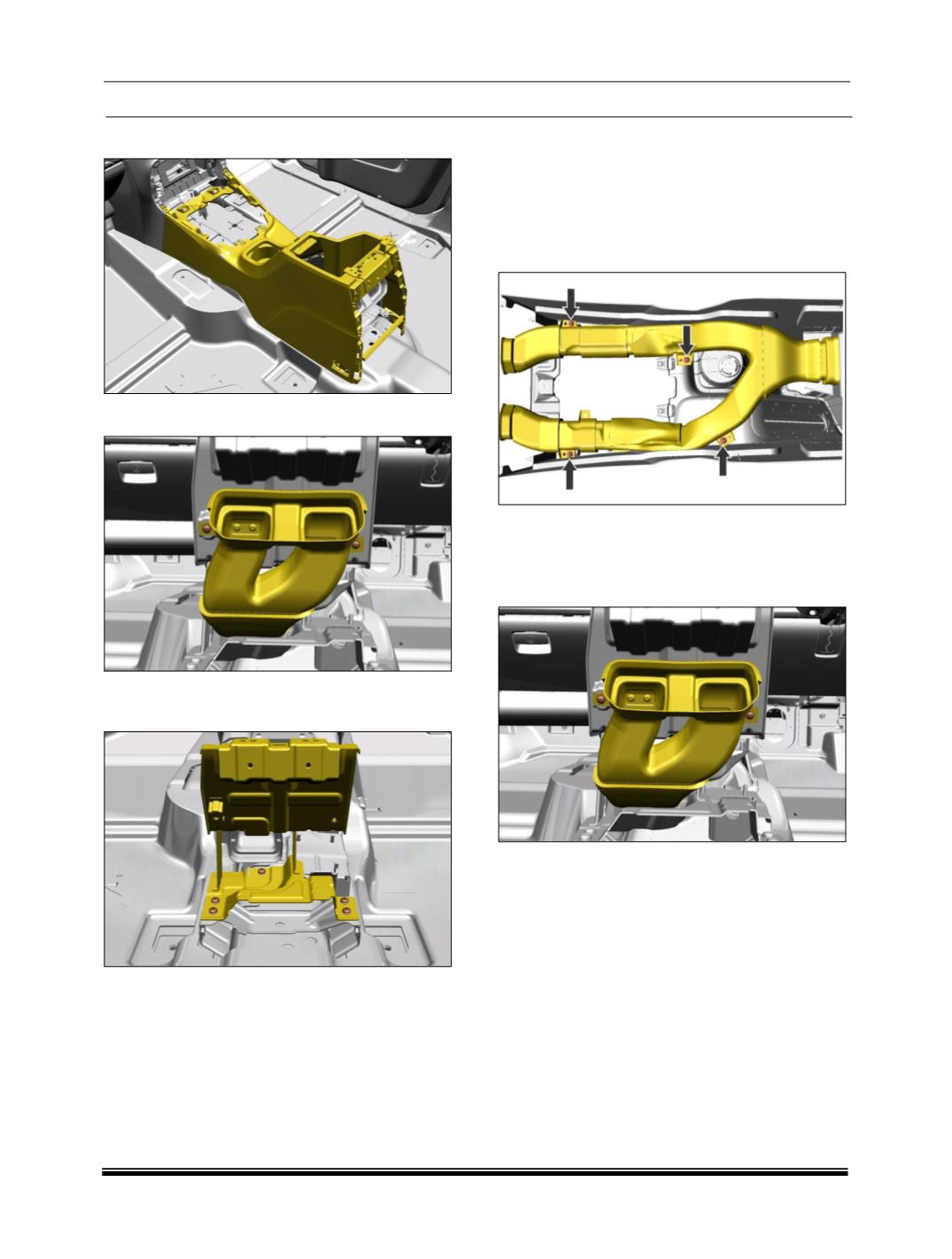
21. Remove the floor console assembly housing.
22. Remove the two fasteners of HVAC duct.
23. Remove five Fasteners of floor console
assembly mounting bracket.
C. AC DUCTS IN FLOOR CONSOLE
REMOVAL:
1. Remove the floor console assembly.
(For
procedure refer floor console removal.)
2. Loosen and remove mounting screws and take
out the AC ducts from the floor console.
3.
Remove
the rear cover assembly of floor
console.
4. Loosen and remove two mounting screws and
take out the air vent.
FITMENT:
For fitment follow the reverse procedure of
removal.