




 3412 / 4910

Vehicle Platform: OSPREY / AMP
ECU Name: PEPS
DTC Troubleshooting Data
Version: 1.2
Date: 29 Mar 2017
Author:
Rajasekhara Reddy
Page: 130 of 369
Copyright ©
TATA MOTORS Ltd.
This document must not be used in any way, such as copying and redistributing to third parties, without the consent of author.
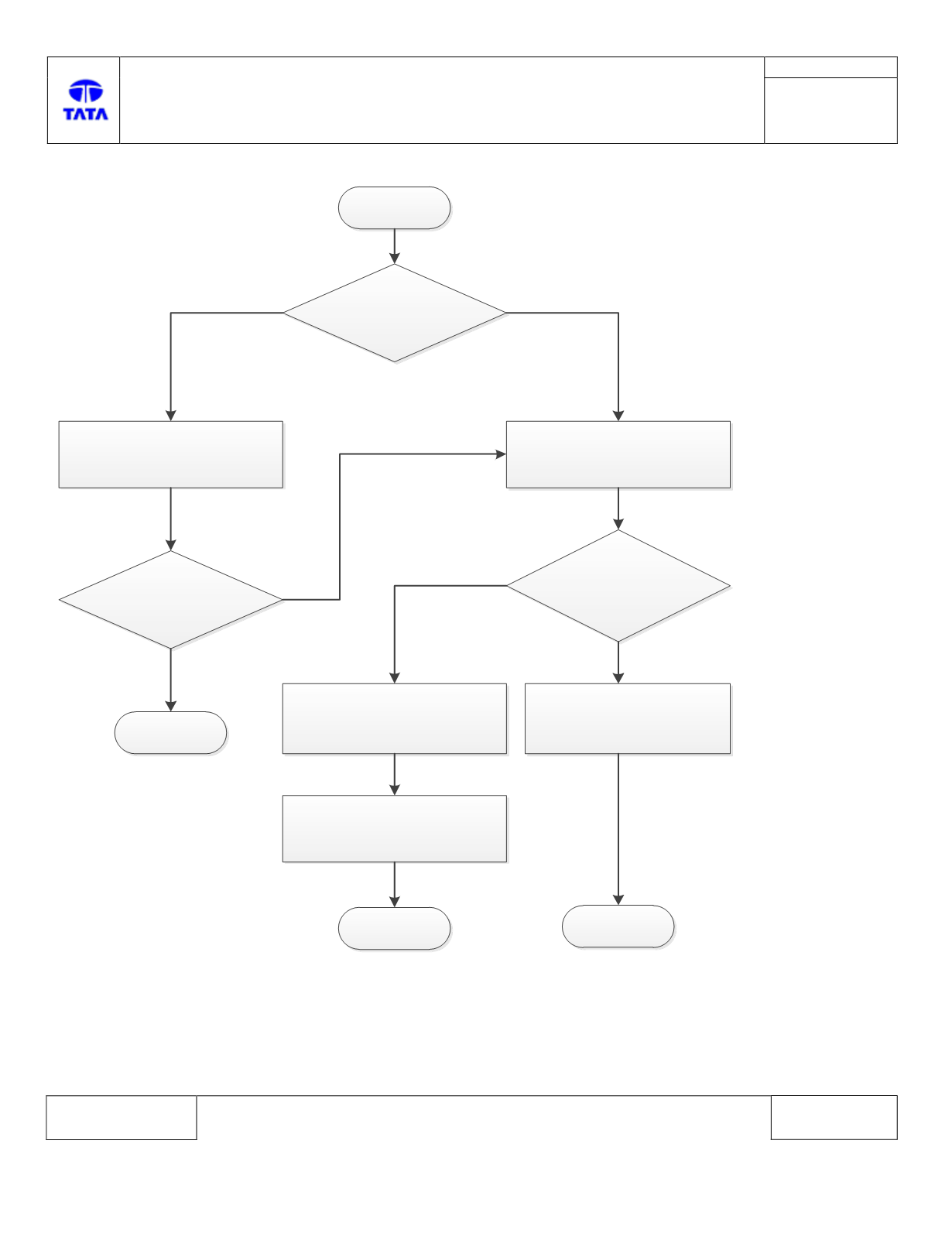
Troubleshooting:-
Start
B1645-54
Is this Historic DTC?
Clear the DTC, make the IGN OFF,
wait for 20 seconds and try to
turn ON the IGN
Is DTC appearing again?
Stop
YES
NO
Check the calibration software
part number inside the ECU. Read
DID 7242 i.e. service 22 72 42.
Is value == 0?
Replace PEPS ECU. Refer the
replacement procedure.
NO
Stop
NO
YES
Stop
YES
Flash vehicle specific calibration
file with the help of diagnostic
tool.
Clear the DTC, make the IGN OFF,
wait for 20 seconds and turn ON
the IGN