




 1118 / 4910

TML Harrier Infotainment Reflashing
and Replacement Spec
TITLE :
TML Harrier Infotainment Reflashing and Replacement Spec
Doc No:
Date
: 10
th
Dec 18
Revision
: 0.3
Page: 12 of 15
Prepared : Pritam B
Checked: Phani Kumar J
Approved: Anand Sikchi
This specification is the exclusive property of Tata Motors Limited. Without their consent it may not be
reproduced or given to third parties
.
The above specifications are subject to change and therefore suppliers
are requested to refer the latest one.
CONTROLLED COPY FOR RESTRICTED CIRCULATION
© TATA MOTORS LTD.
4. Whenever user ‘Turn ON’ the infotainment system, Silver Box should check for valid
software version combination between SB, BP and DISPLAY and prompt user for software
update in case of mismatch. This check shall be completed within 500 msec.
5. Whenever the Software update is interrupted, Silver Box should ensure failsafe such that
Infotainment system should prompt user to reflash again.
6. When USB is removed during Reflash, system will show a non-interactive popup to user to
insert USB again and resumes the software update process automatically if USB is inserted
again. In this case software reflash will start from beginning.
7. SB shall ensure Software Update is not initiated in IGN ON state (Prompt user to turn IGN
OFF and initiate Reflash in One Hour Mode). Also, Infotainment system shall restart after
completion of the software update. During Reflash, if user turn ON IGN, then SW update
should continue. Same way, during reflash, SB should ignore all triggers which makes SB to
enter into other states of Power Modes (e.g. when Driver door open or Key out, SB should
not enter into EW mode).
However during entire process of software reflash of three
modules always text message like “ Do NOT turn ON the IGN” should be displayed
8. SW reflash operation shall not disturb any parameters which can be written at TML end of
line (EOL).
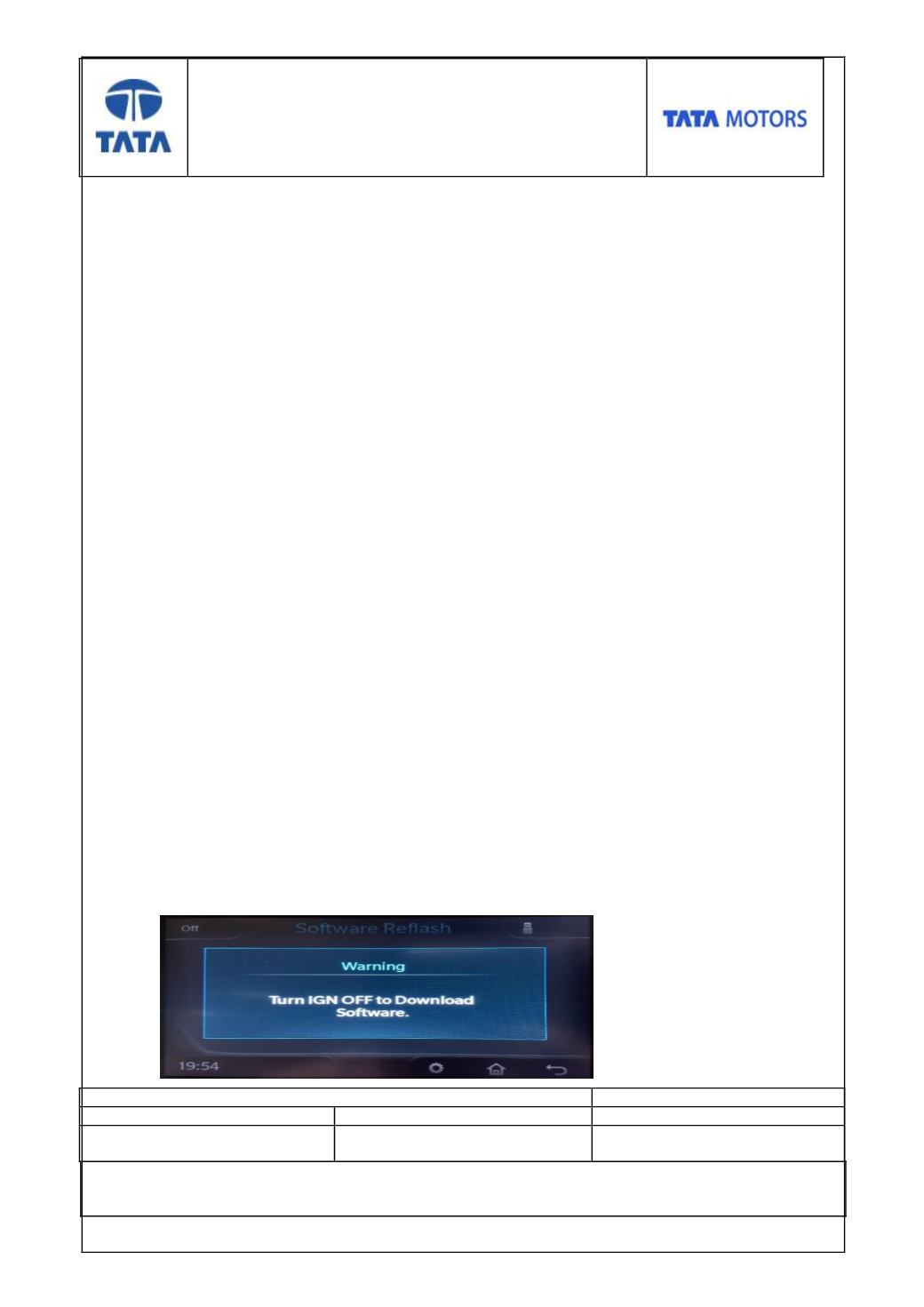
9. In case when user select file for validation when IGN ON “Turn IGN OFF to Download
Software” pop-up shall be displayed.