




 1382 / 1906

ELECTRICAL
80
WARNING:
1. The Engine should be running when using
accessories for long period. Failure to do so can
discharge the battery.
2. Do not use excessive force while handling USB
port.
3. Avoid insertion of any hard, sharp or metallic
object (except USB connector) in the USB slot.
4. Avoid spraying or spilling of cleaning solution,
perfume, car fresheners, beverages, caustic
chemicals or any liquid on USB slot.
REMOVAL
:
1. Remove rear Console Cover.
2. Disconnect Electrical connections.
3.
Press the snap and push the USB charger from
mounting cutout.
REFITMENT:
1. Connect the electrical connection.
2. Fit the assembly into cutout provided on the
tray. (
Snap fitted
)
3. Press the USB charger assembly.
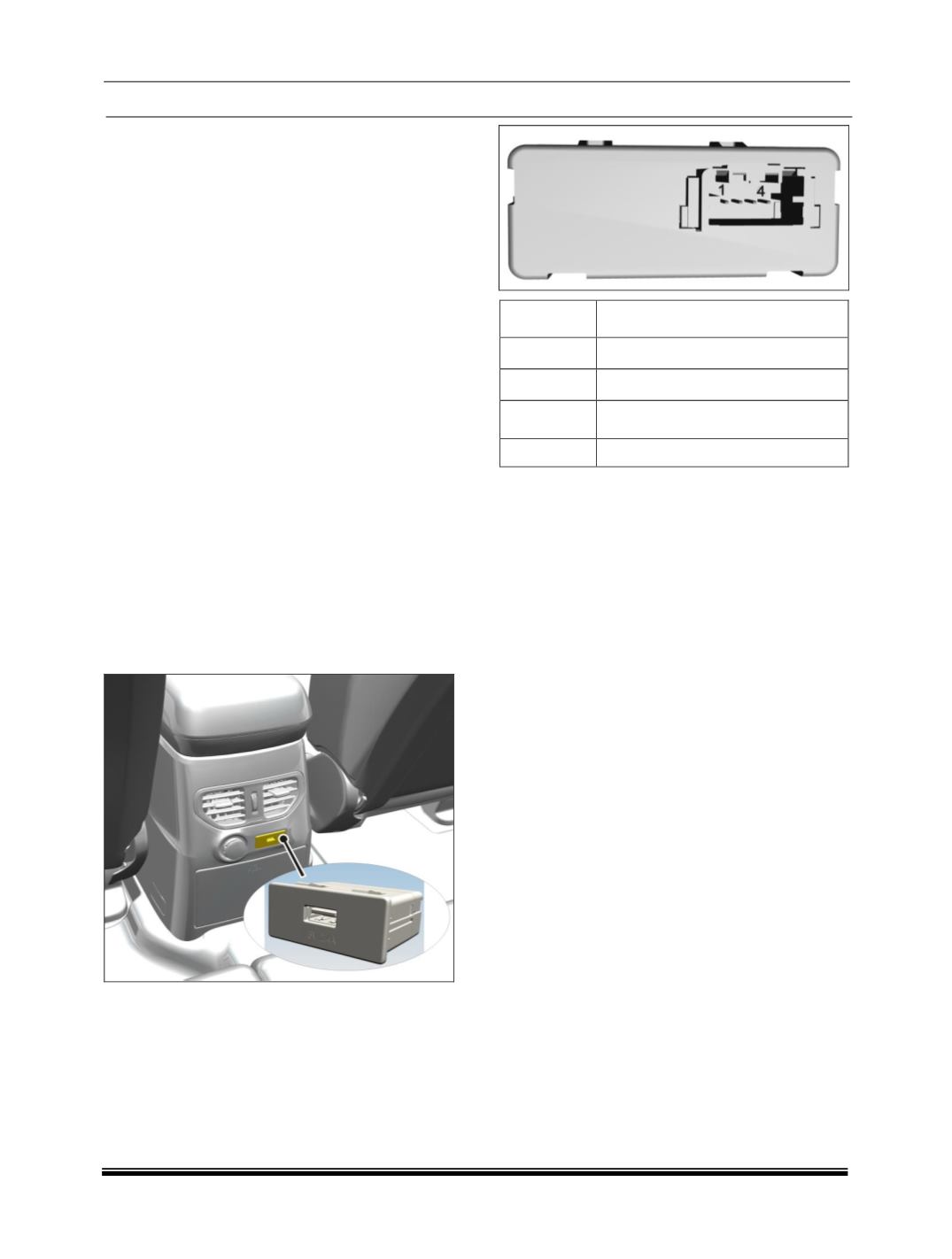
LOCATION:
It is located on the rear of Center console.
PINOUT DETAILS
PIN
Signal
1
BATT
+
2
ILLUM
+
3
ILLUM
-
4
GND