




 4842 / 4910

Transponder & CAN based Immobilizer (Continental)
Part Replacement handling – Service Documentation
TITLE
: Immobilizer (Conti) Service Manual-Aria Eagle
xxxx
Date
: 28-08-2015
Version
: 0.1
Page
:
24 of 25
Prepared :
Amanulla Bugga
Approved: Dinesh G Dodmane
This specification is the exclusive property of Tata Motors Limited. Without their consent it may not be
reproduced or given to third parties
.
The above specifications are subject to change and therefore
suppliers are requested to refer the latest one.
CONTROLLED COPY FOR RESTRICTED CIRCULATION
9.
Writing VIN No. to Immobilizer:
1.
Select Immobilizer for Diagnostics in “Diagnostic Tester”
2.
Issue commands in Diagnostics tester:
Start -
à
Write -
à
VIN no.
3.
Move cursor to text box showing VIN No & right click mouse button to display a floating menu.
4.
Select & click “paste” from the menu to copy the VIN no text saved from the clipboard. Also verify
this number with actual VIN no. punched on the vehicle chassis.
5.
Press ‘Enter” key to complete the VIN number writing operation.
6.
“Stop” the communication and “exit”
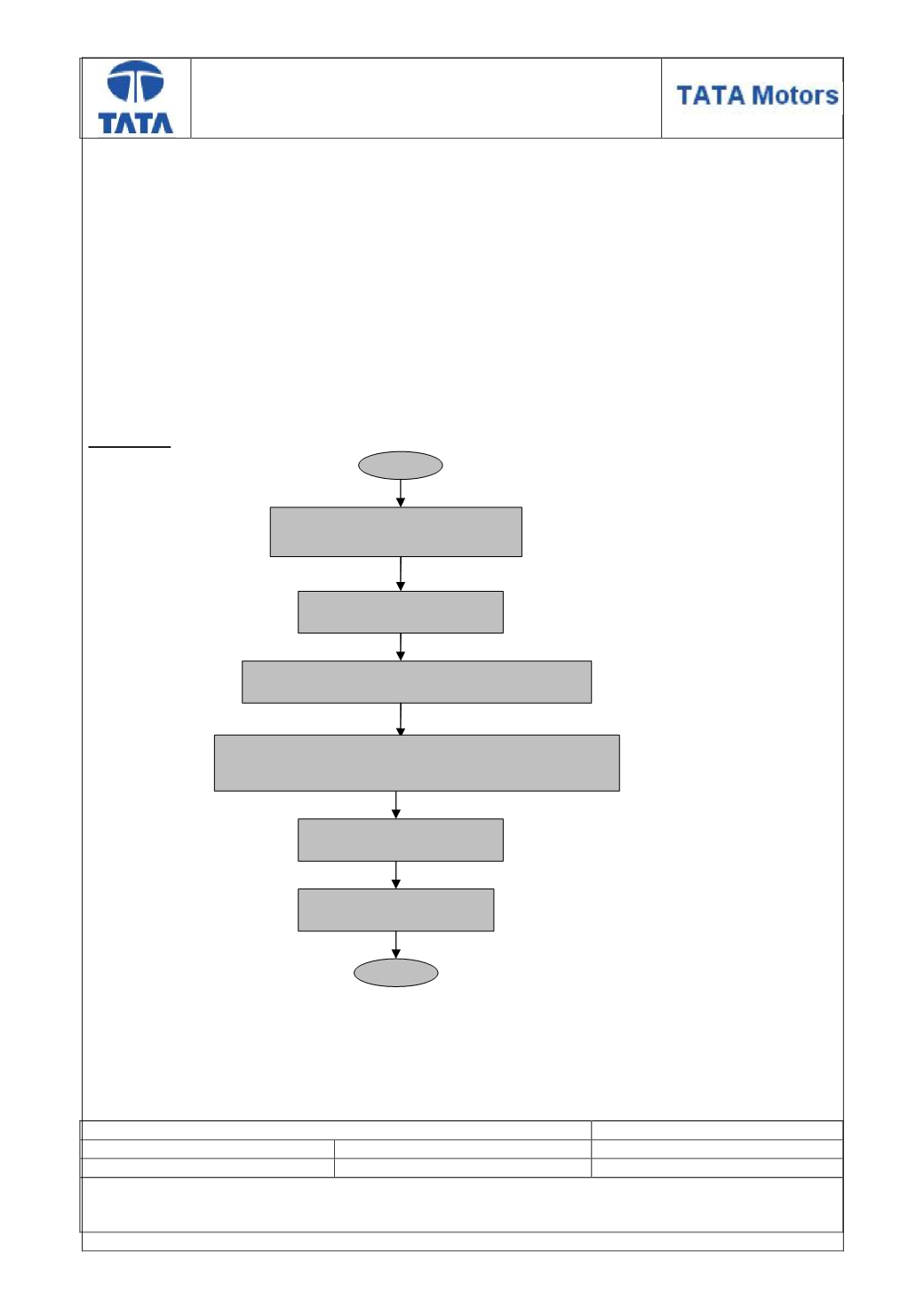
Flow chart
“Stop” the communication
and “exit”
Move cursor to text box showing VIN No &
right
click mouse button to display a floating menu.
In Diagnostic tester
Start -
à
Write -
à
VIN no.
Select Immobilizer for
diagnostic in Diagnostic tester
Start
END
Select & click “paste” from the menu to copy the VIN no
text saved from the clipboard. Also verify this number with
actual VIN no. punched on the vehicle chassis.
Press ‘Enter” key to complete
the pairing operation.