




 865 / 1034

BODY
21
32.Remove PAB Assembly
(If applicable). (For
procedure follow the steps as mentioned in
dash board skin removal).
33.Remove solar load sensor.
(if applicable) (For
procedure follow the steps as mentioned in
HVAC section).
34.Remove the Dashboard skin.
(For procedure
follow the steps as mentioned in dash board
skin removal).
35.Remove the PDC unit on the CCB.
(For
procedure follow the steps as mentioned in
Electrical Section).
36.Remove the Cabin fuse and relay unit.
(For
procedure follow the steps as mentioned in
Electrical Section).
37.Remove the window winding module.
(For
procedure follow the steps as mentioned in
Electrical Section).
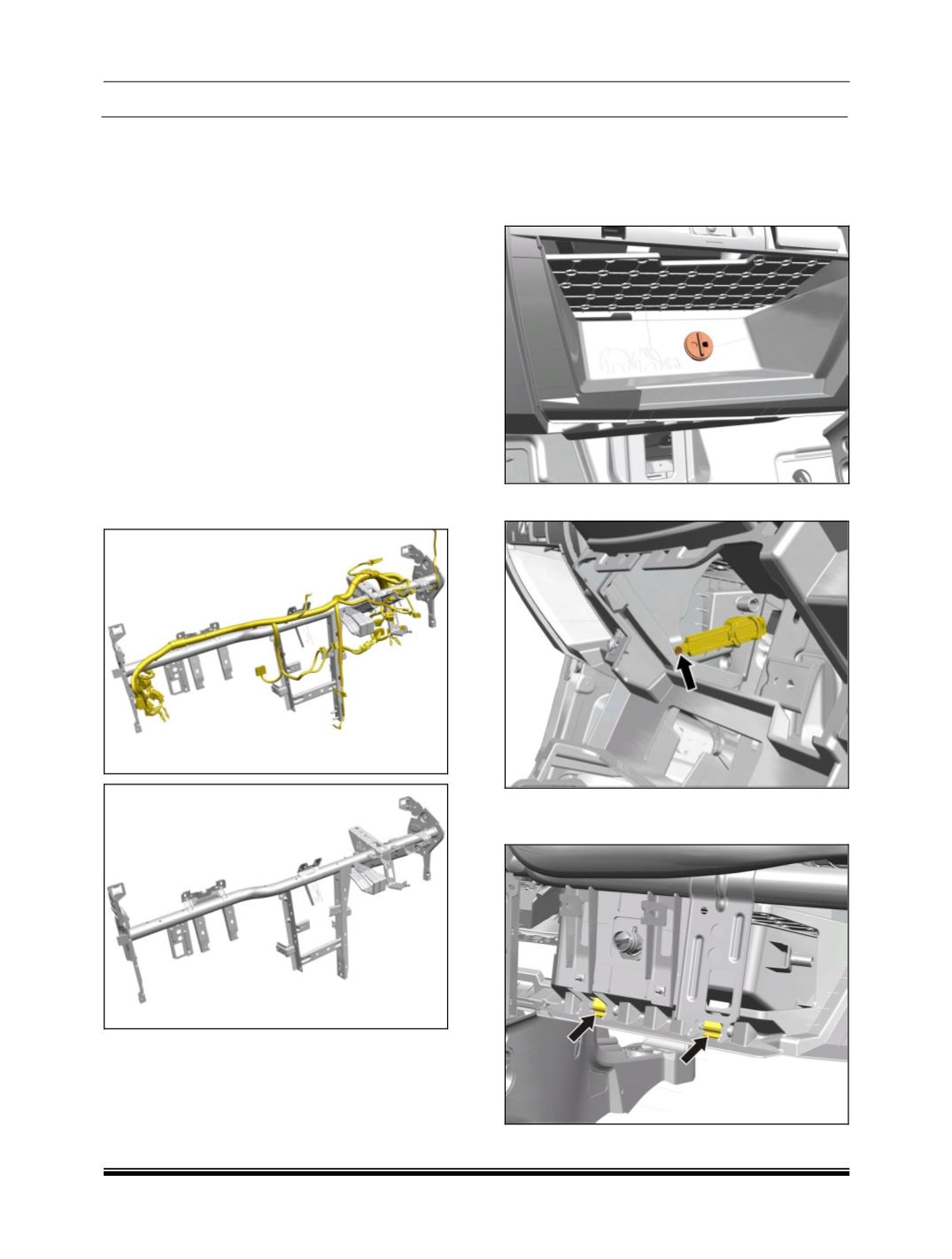
38.Remove the wiring harness fitted on CCB.
9.2.5 GLOVE BOX
REMOVAL
1. Open the glove box and pry out AC adaptor
top Utility Bin.
2. Remove glove box damper pin.
3. Rotate glove box assembly with 50
in
downward direction and pull out from hinges.