




 1612 / 1906

ELECTRICAL
310
8.17.1 USB/AUX PORT
USB:
External memory devices like memory sticks / Pen
Drives, I-Pods can be connected for playing music
tracks stored in these devices through the vehicles
music system.
AUX:
AUX port provided to connect audio input devices for
playing music tracks stored in the devices through
vehicle’s speakers.
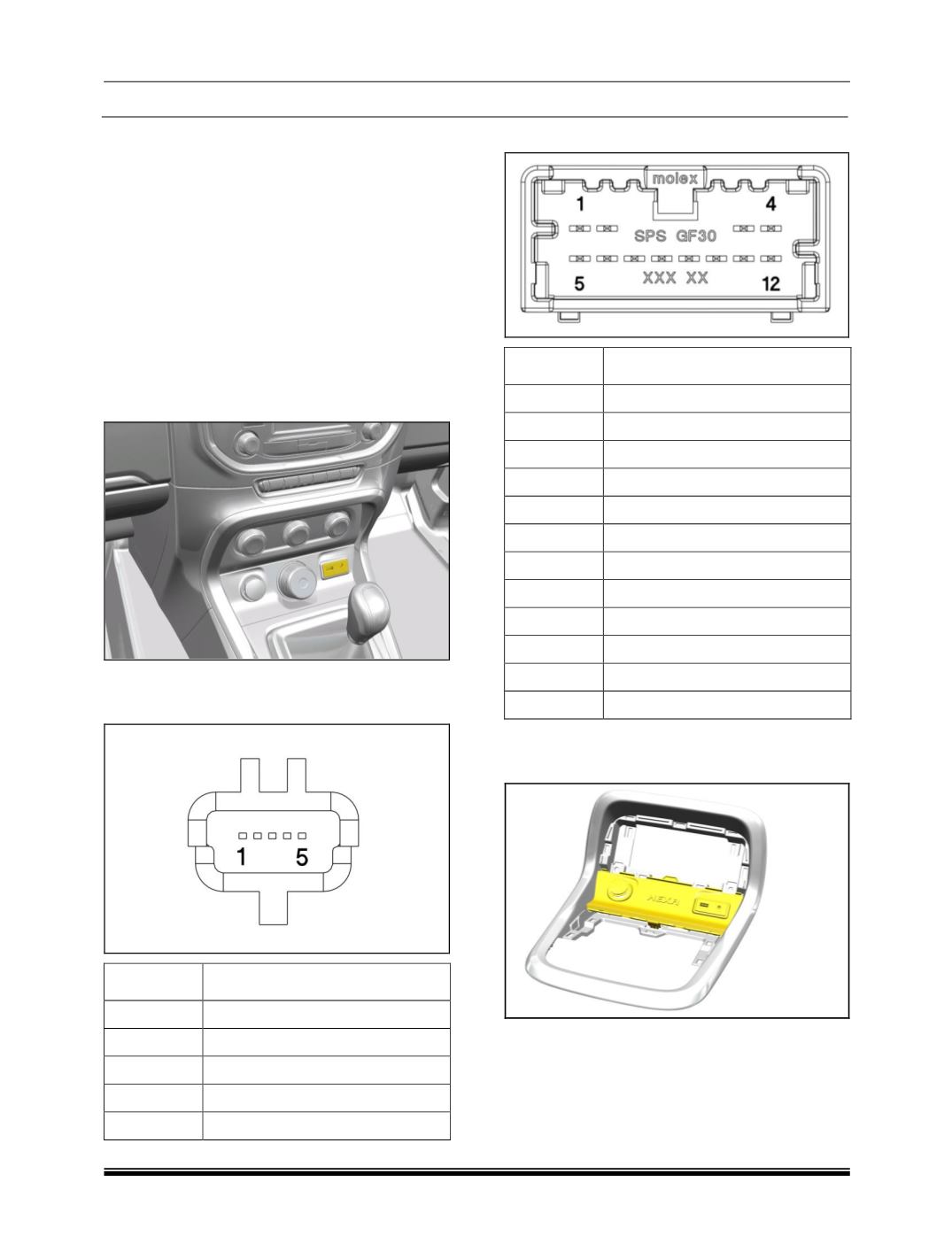
LOCATION
USB and AUX ports are fitted on Drive Control switch
bezel.
PINOUT DETAILS
1. USB Connector
PIN
DESCRIPTION
1
USB1 D -
2
USB2 D -
3
USB2 D +
4
USB1 D +
5
NC
2. AUX Connector
PIN
DESCRIPTION
1
ILLUM -
2
ILLUM +
3
USB GND
4
USB 5V (1A)
5
CAN +
6
CAN -
7
AUX SHIELD
8
AUX_R
9
AUX_L
10
AUX_COM
11
AUX_DECT
12
GND
REMOVAL
1. Remove the ESP bezel.