




 1562 / 1906

ELECTRICAL
260
C
A
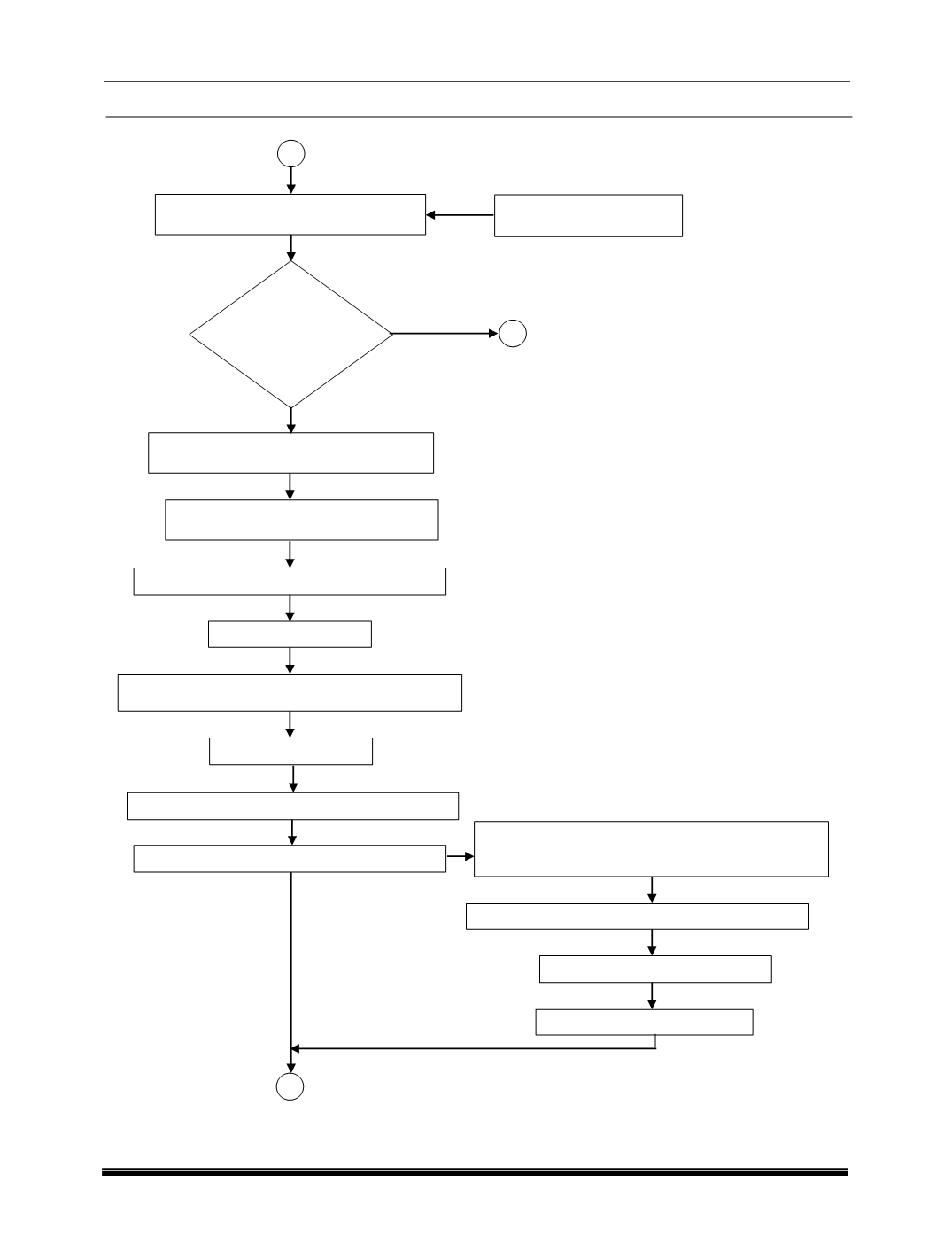
Read Configured data’s (
Cluster
Option Content and Odometer value
).
Write Configured date / Replaced date
to Instrument Cluster manually
Clear Error (
DTC’s
) from Instrument
Cluster through Diagnostics Tool
Stop communication with Instrument Cluster
Turn Ignition Key Off
Verify,
Configured
parameters are
correct?
Yes
No
B
Refer Instrument Cluster
Diagnostics user manual
Wait for particular time period ~ 10 secs. so that
written data is stored in the memory properly.
Turn Ignition Key On
Start communication with Instrument Cluster
The following activities will be completed
internally, once “Start communication” command
is given.
Start Instrument Cluster Diagnostics Session
Request Security Access Key
Enter Security Access Key
Select Instrument Cluster option in main menu