




 4866 / 4910

Immobilizer –DTC Troubleshooting Data
Version: 1.
2
Date:
03-June-2014
Prepared Author
:
SarangK
Review & approved by
: R A Rode (ERC-E&E)
Page: 23 of 67
Copyright ©
TATA MOTORS Ltd.
This document must not be used in any way, such as copying and redistributing to third parties, without the consent of author.
Trouble Shooting:
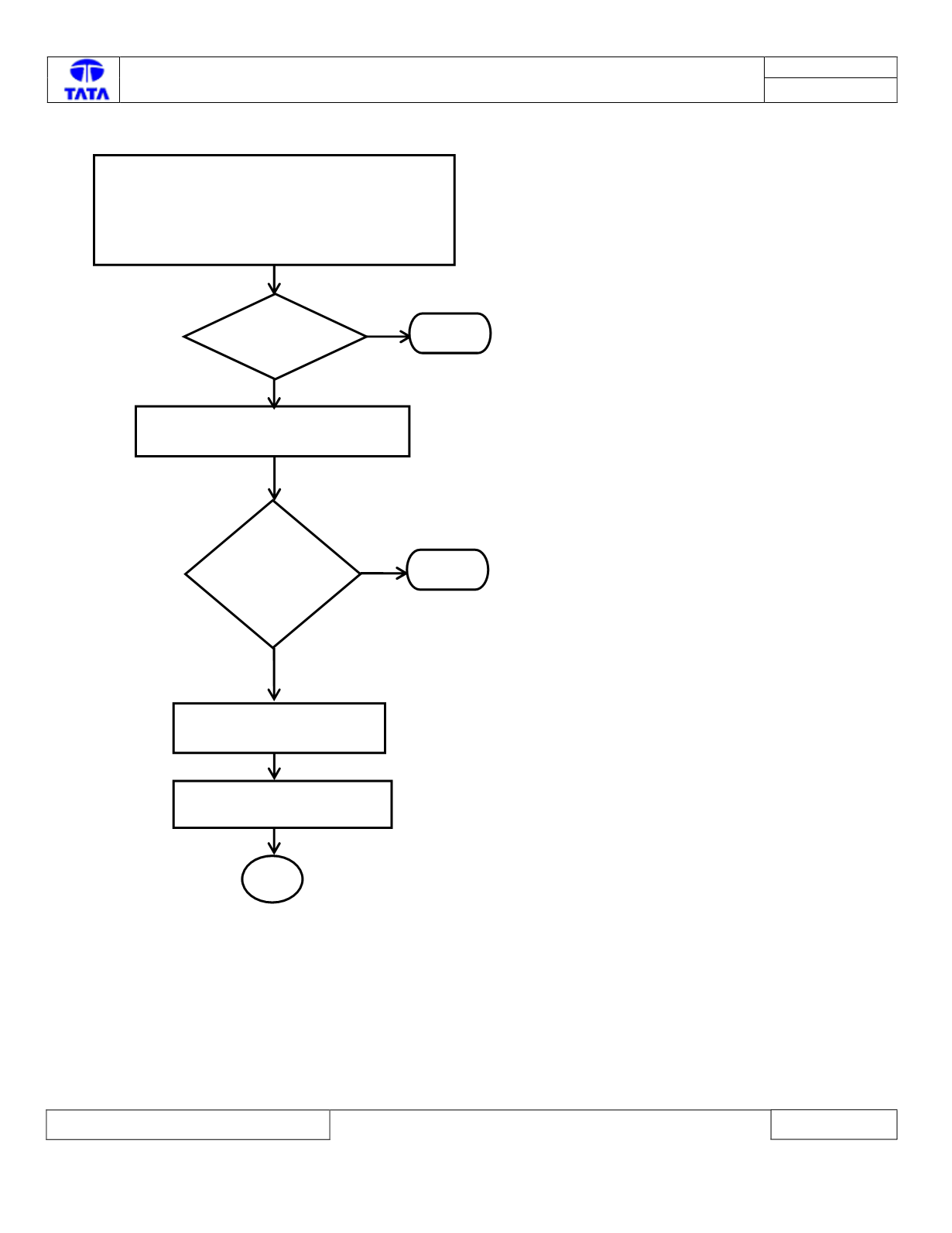
No
Check VICM CAN
communication with other ECUs
Is the VICM
CAN
Communica
tion Failed?
1. Connect the TML Diagnostic Tool.
2. Turn the Ignition ON
3. Check the status of DTC’s (Memorized/Current)
4. Record the DTC & Clear
5. Turn Ignition OFF & ON
6. Verify If DTC U3000 – 08 is present
Is DTC
Present?
Yes
Stop
Check with the service Tool
No
Stop
Yes
Re initialize VICM system.
A