




 3316 / 4910

Vehicle Platform: OSPREY / AMP
ECU Name: PEPS
DTC Troubleshooting Data
Version: 1.2
Date: 29 Mar 2017
Author:
Rajasekhara Reddy
Page: 34 of 369
Copyright ©
TATA MOTORS Ltd.
This document must not be used in any way, such as copying and redistributing to third parties, without the consent of author.
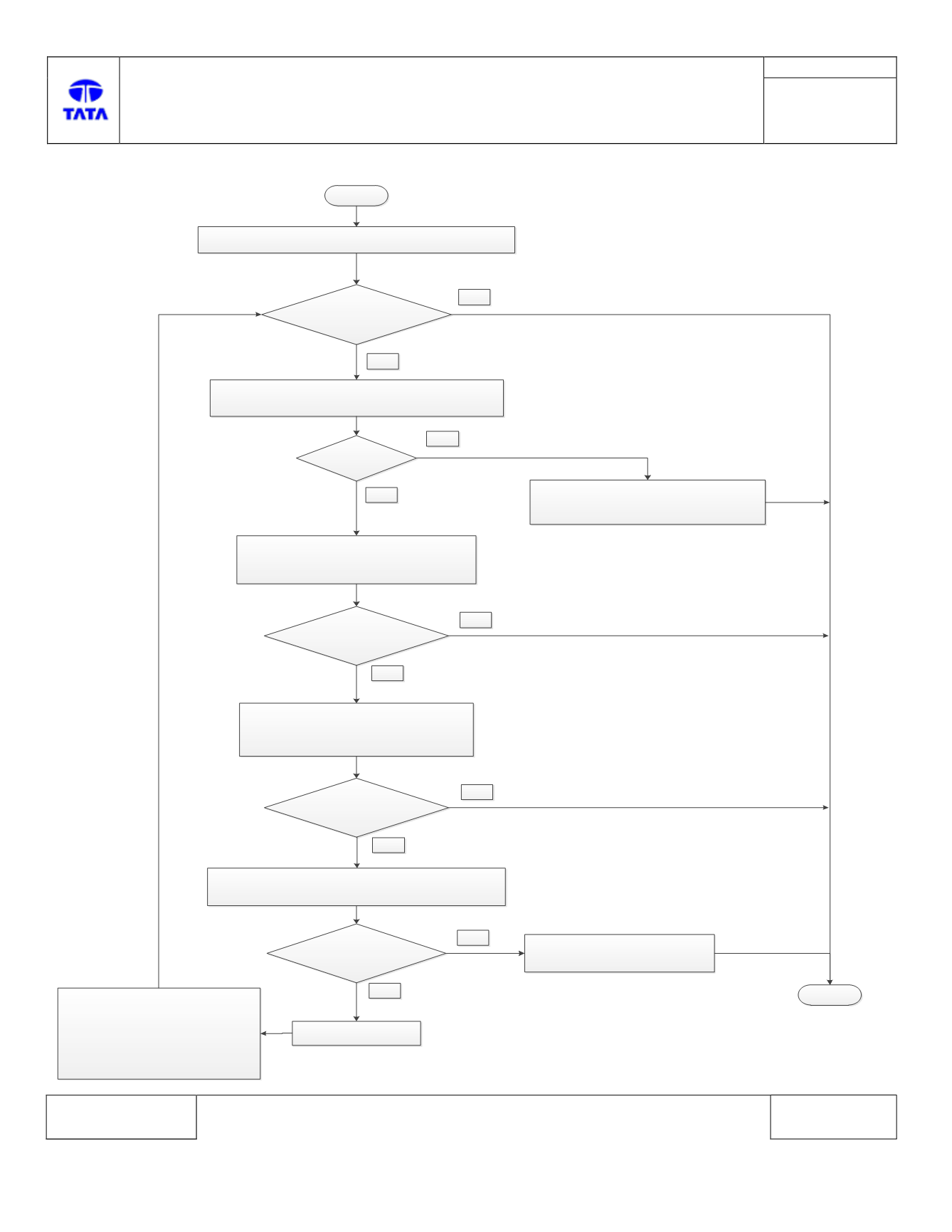
Troubleshooting:-
Start
Connect Diagnostic tool and Check for DTCs.
Is
DTC U1614 – 81
present?
Yes
Stop
No
Check DTC present is Current or Historic
Is
History?
Yes
No
1. Clear the DTC from memory.
2. Provide IGN cycle.
3. Turn IGN OFF.
1. Provide Hard reset to PEPS & IC.
2. Provide IGN cycle.
3. Turn IGN OFF.
Is
DTC U1614 – 81
present?
Yes
PEPS ECU faulty
Reconnect previous IC & re-
flash PEPS ECU, if problem
still remains than check for
memory related fault and follow
it. If not memory fault present
than replace PEPS ECU.
No
Use another working IPC
(Refer IPC replacement procedure document)
1. Provide Soft reset to PEPS & IC.
2. Provide IGN cycle.
3. Turn IGN OFF.
Is
DTC U1614 – 81
present?
Yes
No
Is
DTC U1614 – 81
present?
Yes
No
Refer IPC troubleshooting
Guide.