




 3202 / 4910

X2 Eagle
ESP DTC Troubleshooting Data
Version: 1.0
Date: 23-Oct-15
Author: ERC, Chassis E&E CoC
Page: 169 of 224
Copyright ©
TATA MOTORS Ltd.
This document must not be used in any way, such as copying and redistributing to third parties, without the consent of author.
Trouble Shooting:
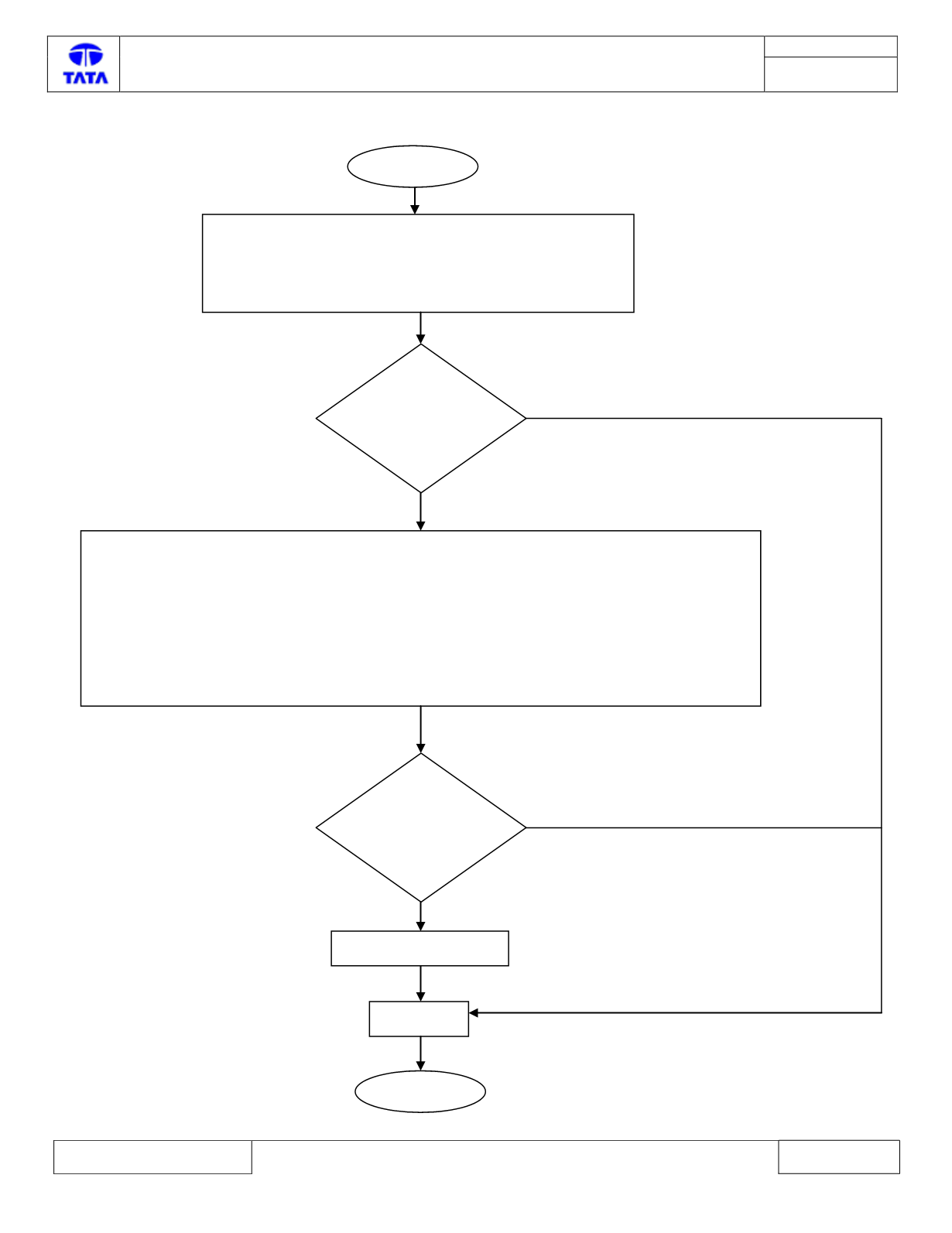
START
1. Turn OFF ignition
2. Wait for 5 seconds
3. Turn ON ignition
4. Connect the diagnostics tool and Read Logged DTCs
Is C102C-00
logged in
current state?
Examine tire and rim sizes as per approved design. Examine axle geometry and rectify if not correct. Fix
the wheel speed sensor or toner wheel. Clean toner wheel. Examine toner wheel for not detected N/S
Pole and exchange if defective. Set Air gap between Wheel speed sensor and the toner wheel correctly.
Turn ignition On/Off. Use the diagnostic tool to program the correct variant configuration software into
the ECU. Clear the Fault code memory. Read the Fault code memory. Turn ignition On/Off. If the fault
still exists examine the Yaw rate sensor and the Steering angle sensor and exchange if defective. Repeat
test cycle.
Replace ABS/ESP ECU
Clear DTC
STOP
Y
N (In History)
Is C102C-00
still logged in
current state?
N (In History)
Y