




 859 / 1265

BODY
18
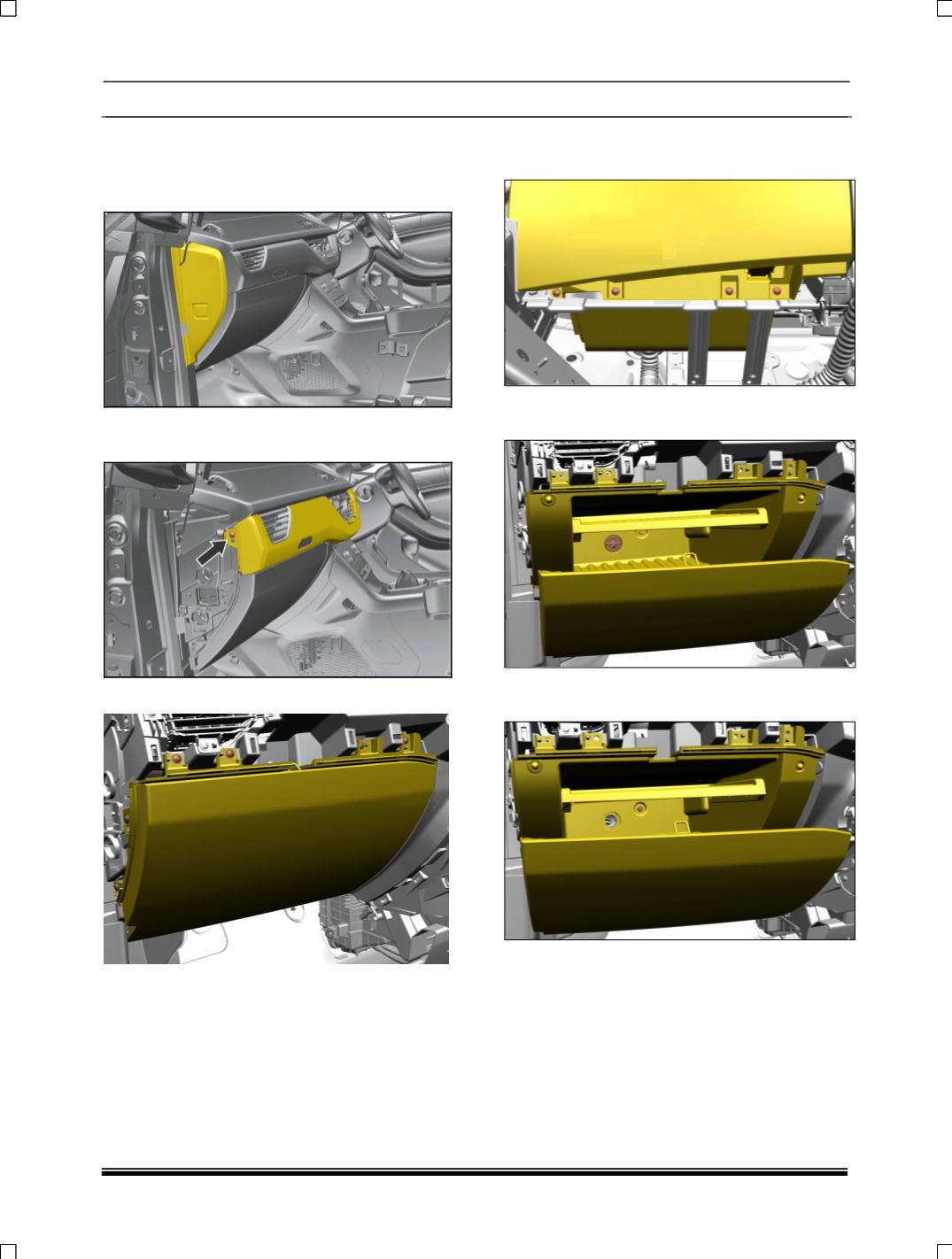
1.4.4. GLOVE BOX
REMOVAL
1. Pull out end cover LH side
2. Remove one mounting screws & Pull out
dashboard mid panel
.
3. Remove six mounting screws of glove box.
4. Remove four mounting screws of glove box of
bottom side.
5. Open the glove box and pull out AC adaptor
top Utility Bin.
6. Remove one mounting bolt of glove box,
which is inside of glove box.