




 1551 / 1906

ELECTRICAL
249
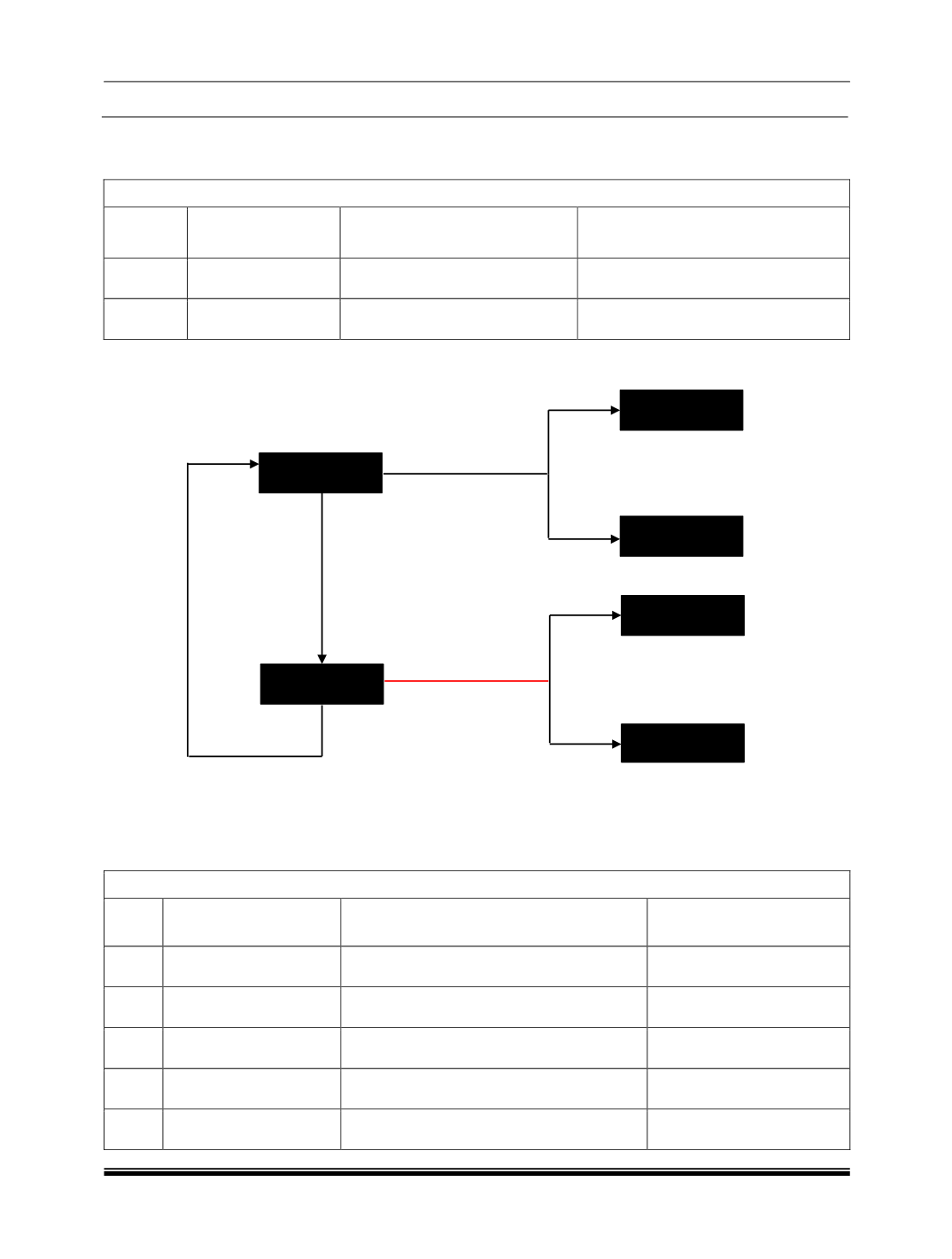
H. DIC SWITCH FUNCTIONS:
1.When “DIC” Switch in “Trip” Mode:
Display selection by “Trip” switch :
Sr. No.
Indication on
Display
If “Trip” switch is pressed &
released within 1.5 secs.
If “Trip” switch is pressed &
released after 1.5 secs.
1
Main Odometer and
Trip meter “A”
Display changes to Trip meter
“B” with Main Odometer.
Resets Trip meter “A” value and
Average Fuel Consumption “A” value.
2
Main Odometer and
Trip meter “B”
Display changes to Trip meter
“A” with Main Odometer.
Resets Trip meter “B” value and
Average Fuel Consumption “B” value.
NOTE:
Use of “Trip” switch - Recognized as single key press, until it is released.
2. When “DIC” Switch in “Fuel” Mode:
Display selection by “Trip” switch :
Sr.
No.
Indication on Display
If “Trip” switch is pressed & released
within 1.5 secs.
If “Trip” switch is pressed
& released after 1.5 secs.
1
Range (Distance to
Empty)
Display changes to Average Fuel
Consumption “A”
-
2
Average
Fuel
Consumption “A”
Display changes to Average Fuel
Consumption “B”
-
3
Average
Fuel
Consumption “B”
Display changes to Instantaneous Fuel
Consumption
-
4
Instantaneous
Fuel
Consumption
Display changes to Average Trip Speed
-
5
Outside
Ambient
Temperature
Display changes to Range
-
Trip Switch Pressed < 1.5
Secs.
999999
km
A: 9999.9 km
999999
km
B: 9999.9 km
999999
km
A: 0.0 km
999999
km
B: 0.0 km
AVG FUEL B
0.0 km/l
AVG FUEL A
0.0 km/l
Trip Switch Pressed <
1.5 Secs.
Trip Switch
Pressed > 1.5 Secs
.
Trip Switch
Pressed > 1.5 Secs.