



 1332 / 1526

ENGINE
164
7]
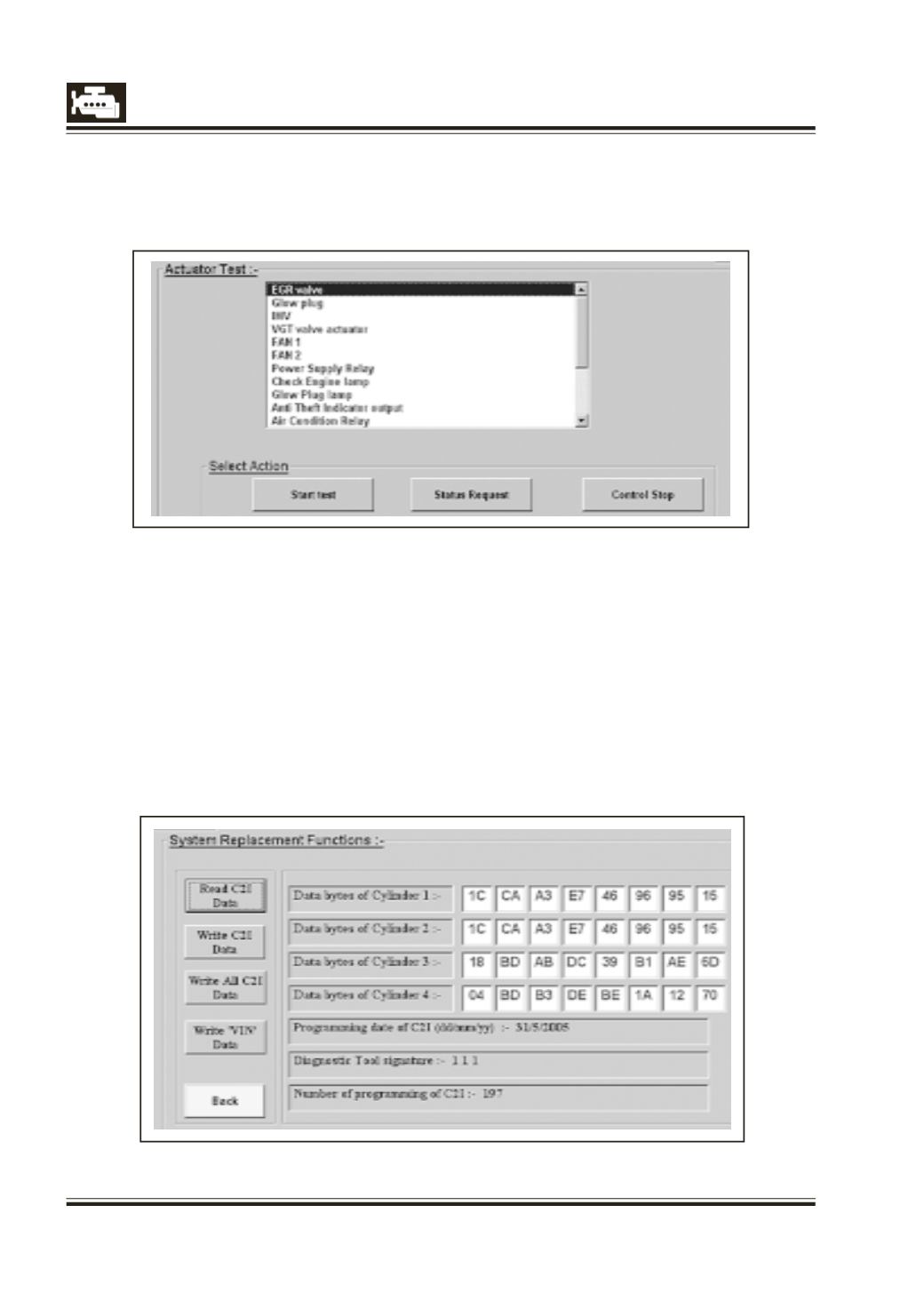
Actuator Test
Click to the Actuator test and the actuator list will appear. Select the required actuator and click ‘Start
test’ to start the test. For this test ensure that the engine is ‘ON’.
8]
Leak Detection Test
Click this to perform the Leak detection.
Refer to Workshop manual for details of this test.
7]
Replace System
This includes following functions:-
l
Read C2I data (Refered as
I
2C in other sections)
l
Write C2I individually
l
Write All C2I data
l
Write VIN data
On clicking the ‘Replace System’ the following screen will appear. Click on the required button.