



 1054 / 1575

ELECTRICAL
234
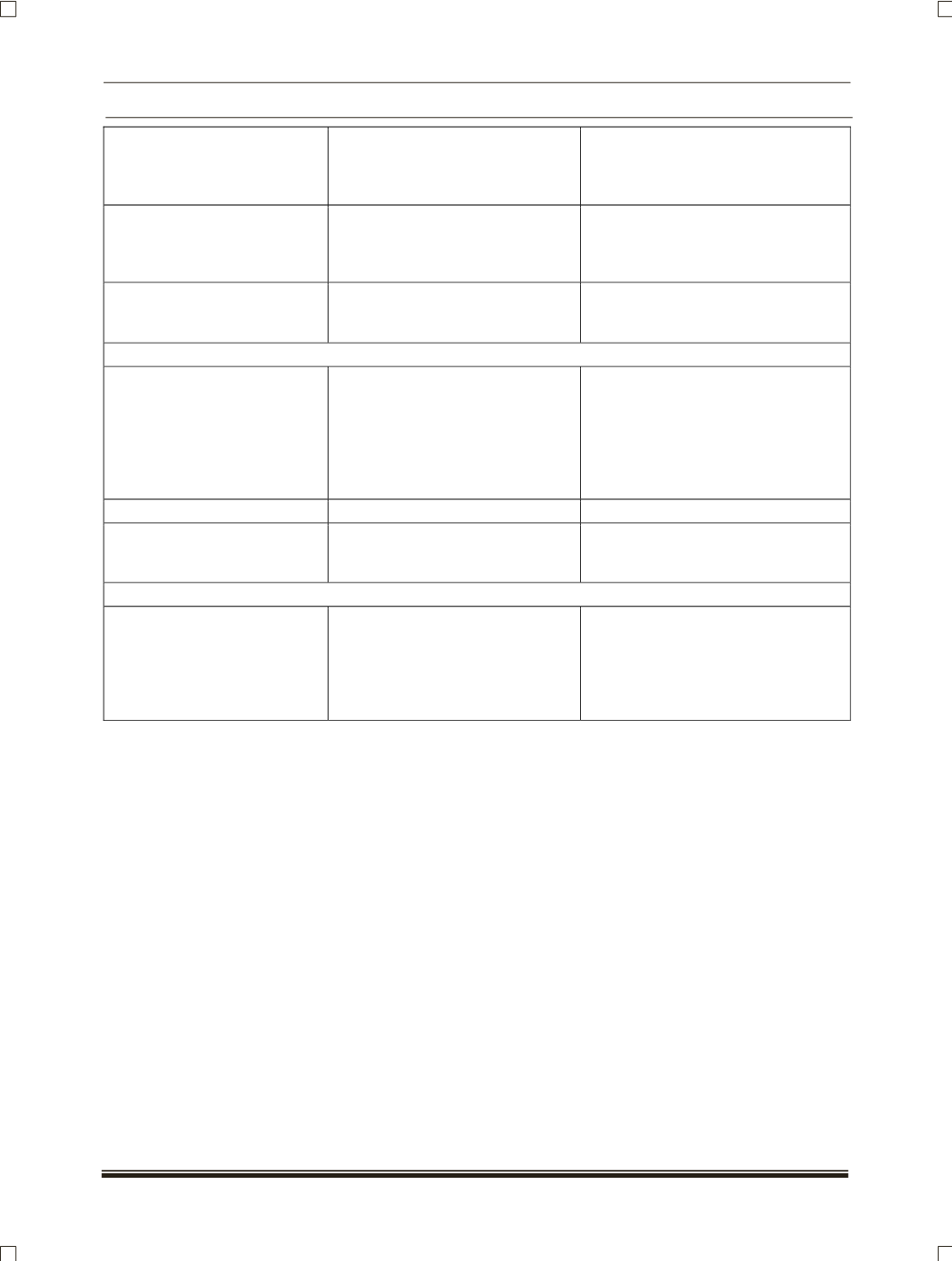
Unable to access phone book a) Compatibility issue
b) Downloading time may be more.
a) All mobiles cannot support phone
book access via Bluetooth.
b) Depends on the no. of contacts
and mobile type.
If audio play is tried via BT,
after some time audio play
back is stopped and mobile is
disconnected from the system
System doesn't support audio
streaming.
User is not advised to operate audio
streaming via BT.
MIC (
Microphone
) is not
working
a) MIC may faulty.
b) MIC lines may not be connected
a) Replace the MIC and check.
b) Check the connection of MIC and
rectify it..
USB
USB symbol appears on the
display but not able to play
a) Compatibility issue
b) No audio files.
c) USB data lines are shorted /
open.
a) All USB modules cannot be
supported.
b) Load audio files compatible to
system and play.
c) Check for USB overload DTC and
correct the open/shorted USB data
lines.
AUX
AUX device volume is seems
to very low when compared to
CD/USB
Audio gain depends on the system
volume and AUX device volume
Keep AUX device volume maximum
and operate system volume
COMBI SWITCH
Not able to operate combi
switch volume controls.
a) Combi switch volume control
connections may get loose.
b) Combi switch volume control
contacts problem.
a) Check the operation using
entertainment system hard keys
and confirm. Rectify the Combi
switch.
b) Replace the Combi switch and
check.