




 660 / 745

ELECTRICAL
18
corresponding to ‘TRIP B’ with the resolution of 1
Km/Hr.
Average Trip Speed B shall reset to 0 when Trip B
is reset.
Average Trip Speed B shall be displayed as ‘---‘for
initial 0.5 km of respective trip. Once 0.5 km
distance is covered, Average Trip Speed B shall
be displayed.
Average Trip Speed shall vary frequently as per
driving pattern.
10. Instantaneous Fuel Economy
Instantaneous Fuel Economy shows current or
instant fuel mileage of the vehicle when ignition is
turned ON and vehicle is on running condition.
Note:
IFE shall vary frequently as per driving pattern.
User can change IFE units by using unit settings
only in export market
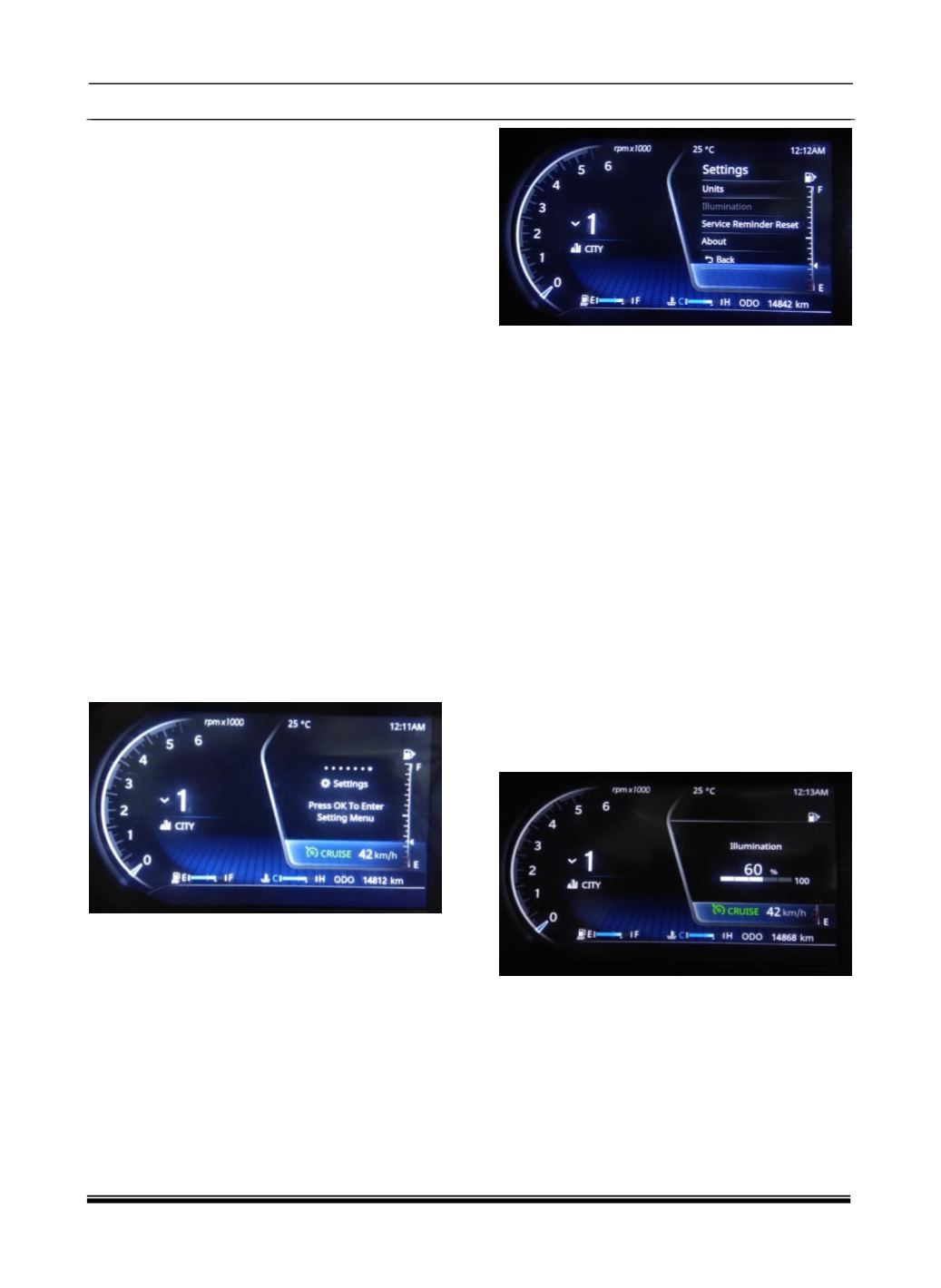
11. Settings Screen
User can enter into setting screen by pressing
select button while being in setting screen.
Following screen gets displayed into setting
screen:
a) Units Setting
User can select Units Setting by pressing Set
Button.
Units setting include Distance & Temperature
Units Setting.
User can select Distance Setting by pressing Set
Button.
Distance Unit Setting includes Km, Km/l & miles,
mpg settings.
Temperature Unit Setting includes °C & °F.
Distance & Temperature Unit setting is applicable
in Export Market Only.
b) Illumination Setting
User can select Illumination Setting by Scroll
down & pressing Set Button in Setting Screen
provided park lamp ON.
User can increase the illumination from (20% to
100%) in 5 steps by using UP & SET Button
User can decrease the illumination from (100% to
20%) in 5 steps by using DOWN & SET Button
c) Service Reminder Reset
User can select Service Reminder Screen by
Scroll down & pressing Set Button in Setting