



 590 / 801

NEXON EV
X114H
DTC Troubleshooting Data
Version: 3.0
Date: 27-May-2020
`
73
Author: K Tejaswini Manasa/ Navya Krishnan/Gaurav Jha
Copyright © TATA MOTORS Ltd.
This document must not be used in anyway, such as copying and redistributing to third parties, without the consent of author.
P229500:- Startup diagnostic failure
Overview:
ISO Code (If applicable)
P229500
Customer Symptom
NA
Fault Effect (On Vehicle)
OBC will stop charging HV battery
Lamp Status (If Any)
NA
DTC Detection Condition
The charger is shut down and locked due to problems when reaching the
intended boost voltage during the “Precharge” state.
Normal Operating Condition
No locked or failure during "Precharge"
Probable Trouble Area
1. Software issue inside OBC.
Healing Condition
Disconnect the gun and connect back after VCU sleep
Write up for
the system:-
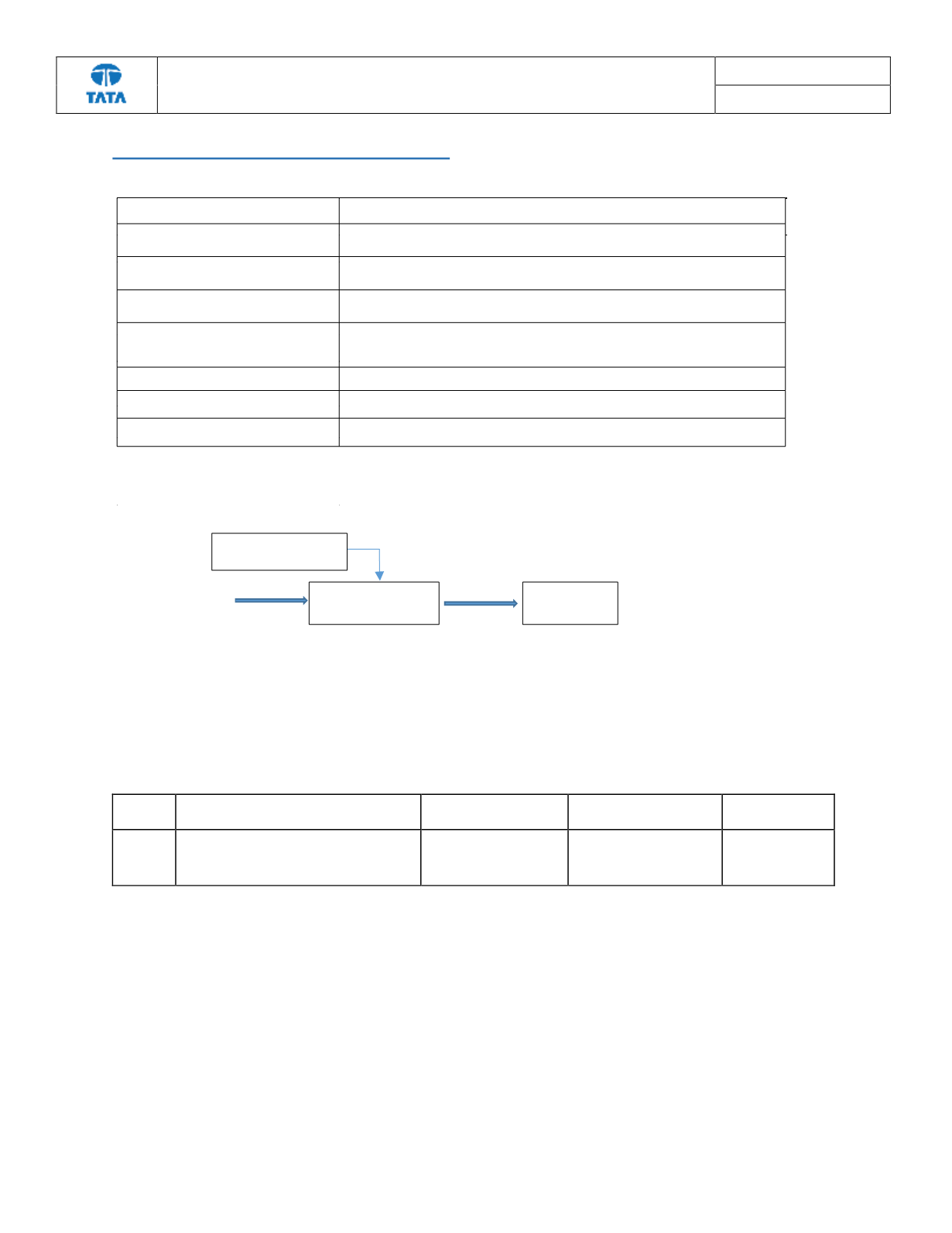
The on-board charger (OBC) takes AC input and converts it to direct current to charge a HV battery. The LV supply of OBC
is from 12V battery. It requires AC HV supply voltage of 230V, 50Hz to charge the HV battery.
Pre-Check Points:
a) Check LV Battery voltage to be in range (7.5V - 14V)
TroubleShooting:-
Flow Diagram or table format for diagnosing the fault code
Step no
.
Description
Check Point
if YES
if NO
1
Connect the Charging Gun & switch
ON the AC supply. check for the fault
code.
Fault code P229500, is
present?
Replace the OBC.
Repair complete
DTC
’
s
confirmation:-
After rectification, ensure the following points by referring OBC parameters using TML diagnostic tool before
handing over to customer.
a) Check whether the OBC can respond to the vehicle charging command by observing the Charge ON
indicator lamp on the cluster.
On-Board charger
230V AC supply
HV Battery
LV signal connector