

 894 / 1003

ELECTRICAL
71
REMOVAL
1. Remove the head lining assembly (Refer Body
section)
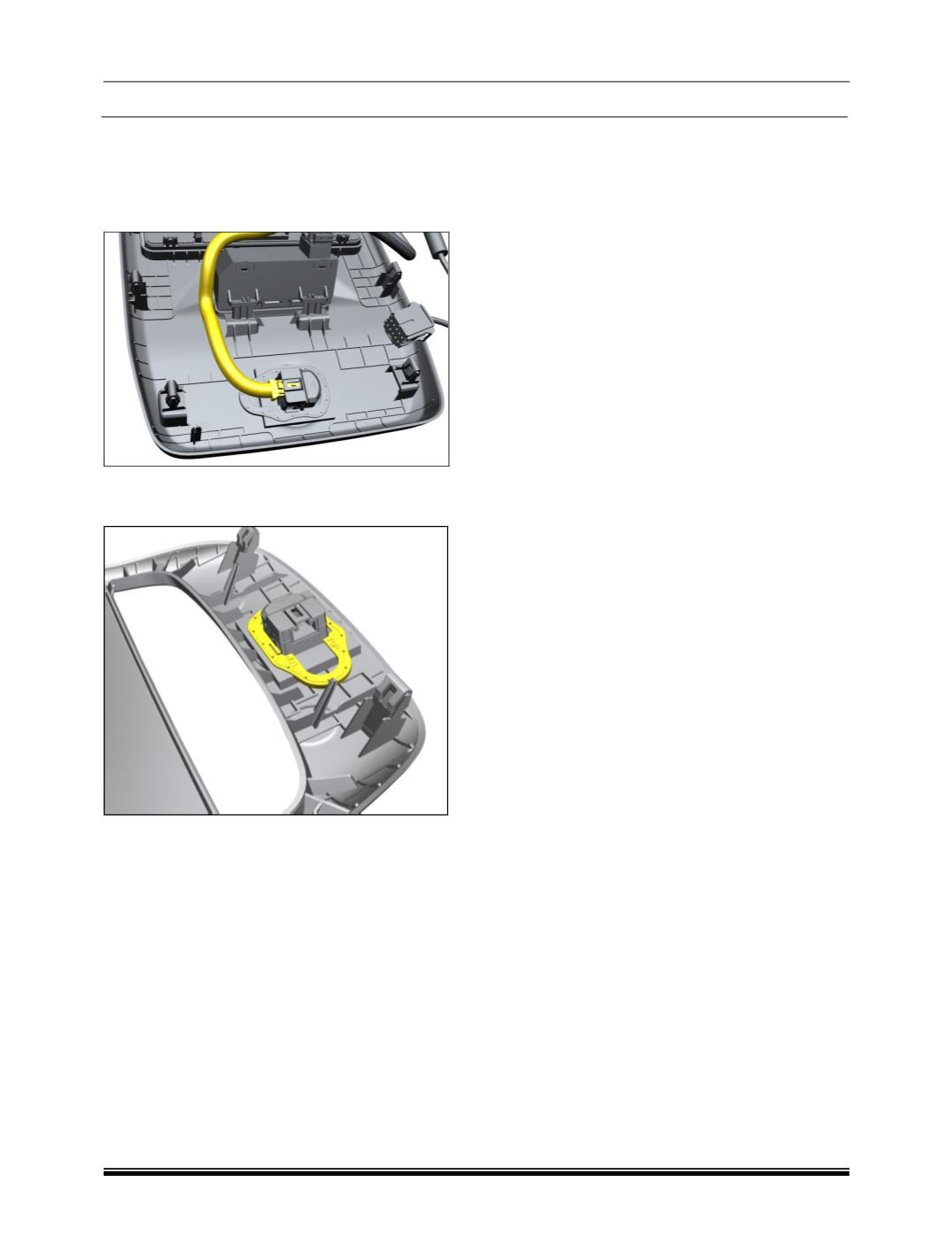
2. Disconnect the electrical connection.
3. Remove the locking ring and take out the
microphone.



 894 / 1003

 894 / 1003
ELECTRICAL
71
REMOVAL
1. Remove the head lining assembly (Refer Body
section)
2. Disconnect the electrical connection.
3. Remove the locking ring and take out the
microphone.