




 3024 / 4910

Vehicle Platform: NEXON
ECU Name: ESCL
DTC Troubleshooting Data
Version: 1.4
Date: 09 Jan 2018
Author: Hitesh Kaneria
Page: 79 of 88
Copyright ©
TATA MOTORS Ltd.
This document must not be used in any way, such as copying and redistributing to third parties, without the consent of author.
B102E–00: Main Processor CPU test error
Overview:
ISO Code (DTC Code)
B102E-00
Customer Symptom
ESCL unable to lock
Fault Effects (On Vehicle)
ESCL is unable to lock the steering column.
Lamp Status (If Any)
NA
Fault Detection Condition
This fault gets log when ESCL find main processor CPU test error.
Normal Operating Condition
Fault shall not log during all power mode except standby mode.
Probable Trouble Area
ESCL hardware internal failure.
Healing Condition
ESCL ECU replacement.
Table 30: B102E-00 Main Processor CPU test error
Component Details:
ESCL ECU is located on steering column behind steering wheel. ESCL ECU locks and unlocks the steering wheel based
on CAN message received from PEPS, EMS, ABS and BCM.
Preliminary Checks:
1. Check Battery Voltage (9V-16V).
2. Check EMS, PEPS, BCM and ABS ECU’s signals are available on CAN bus by confirming that ABS, EMS, BCM
and PEPS related DTCs are not available in ESCL.
Troubleshooting:
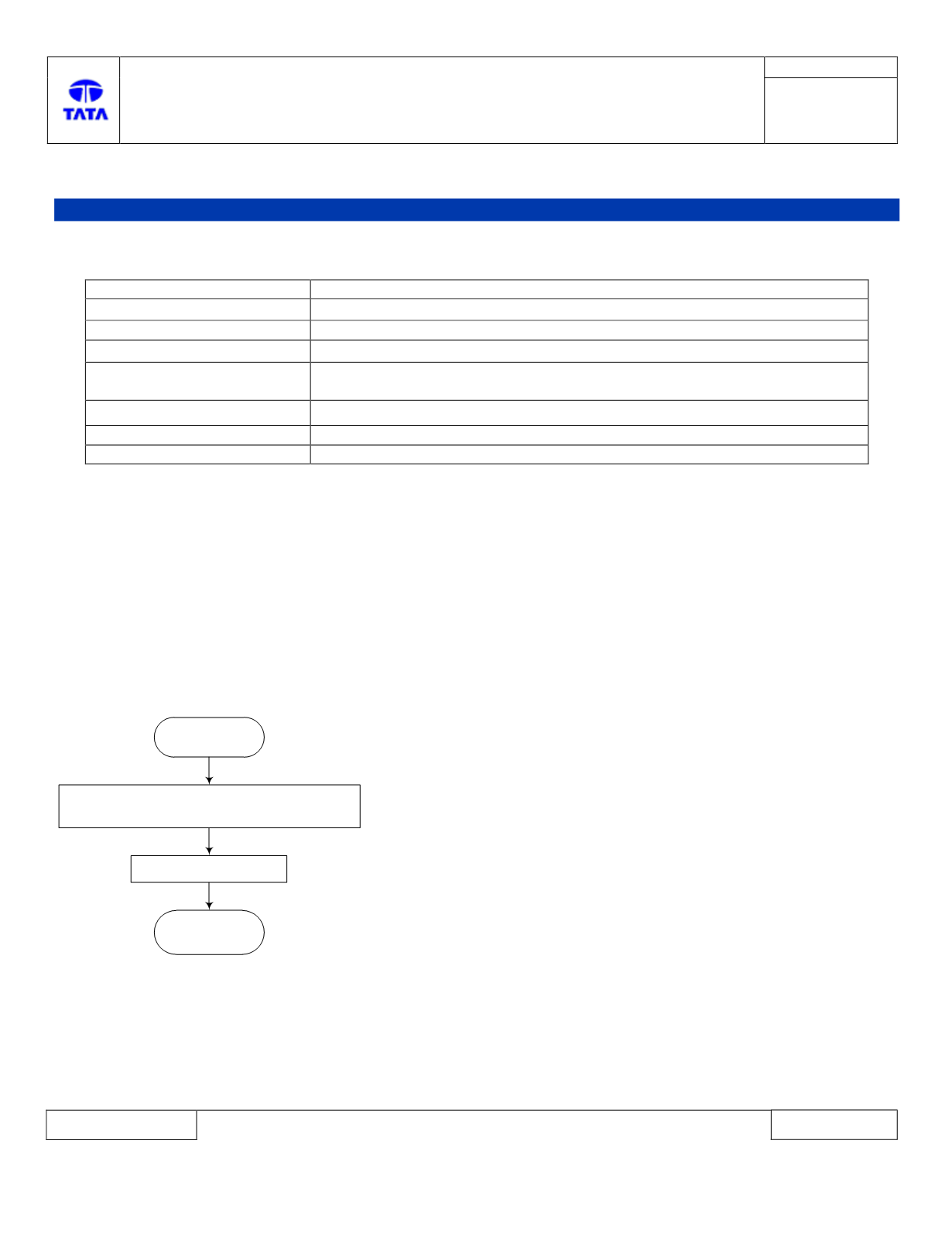
Start
Stop
1. Keep vehicle in static condition.
2. Turn ignition ON -> OFF
Replace ESCL ECU
Note
: Refer ESCL ECU replacement procedure doc to replace ESCL ECU.
DTC’s confirmation:
After rectification, ensure the following points by using TML diagnostic tool before handling over to customer.
1. Switch IGN ON -> OFF.
2. Press Lock button on UID or Driver door close to open for ESCL locking trigger.
3. Press unlock button on UID.
4. Switch IGN OFF->ON and read DTC. ESCL shall not log B102E-00.