




 577 / 948

BODY
19
2.5 GLOVE BOX
REMOVAL
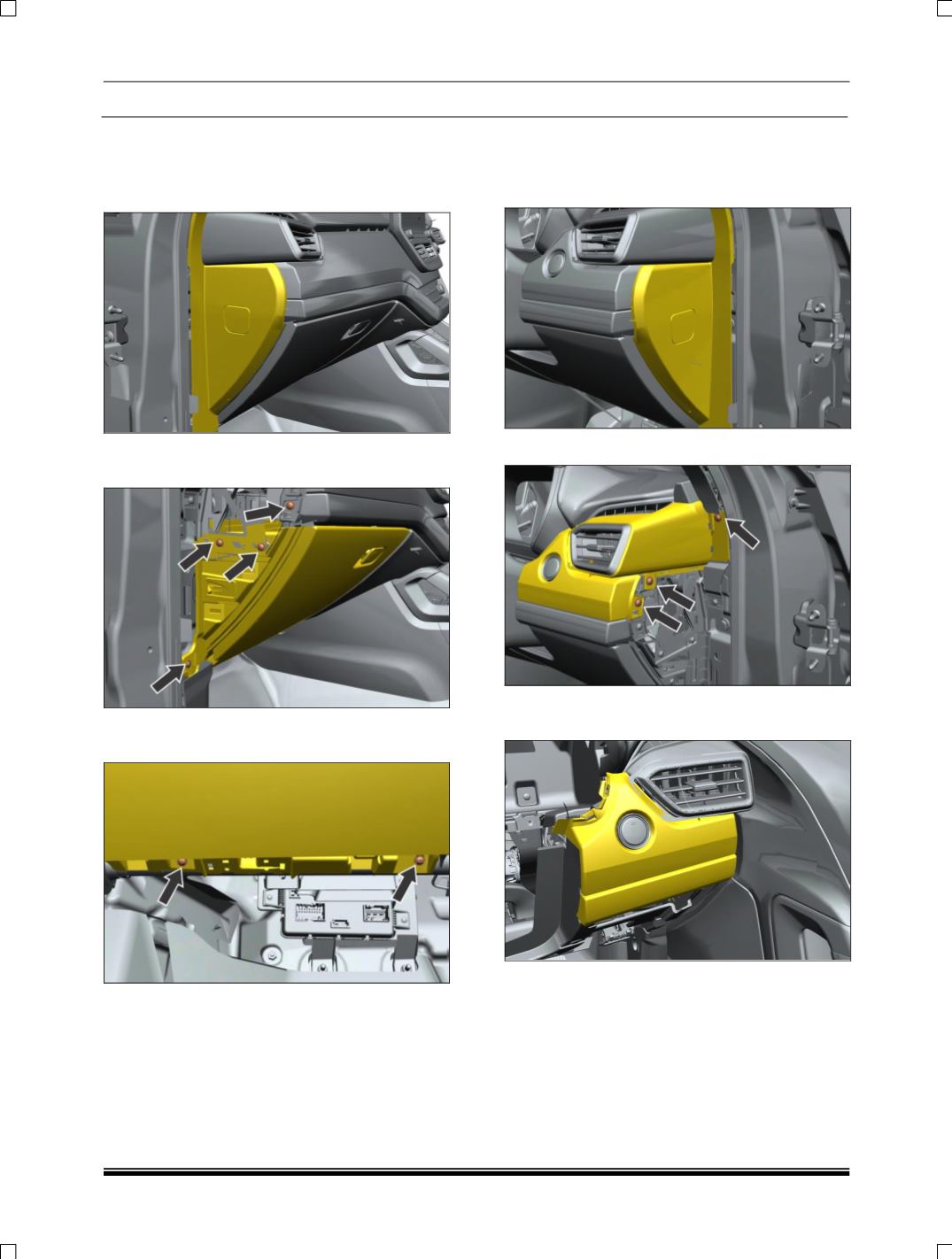
1. Pull out end cover LH side
2. Remove one mounting screws & Pull out
dashboard mid panel
.
3. Remove four mounting screws of glove box of
bottom side.
4. Disconnect the electrical connection of glove
box lamp.
5. Take out the glove box assembly.
FITMENT
For fitment follow the reverse procedure of
removal.
2.6 SIDE AIR VENTS
REMOVAL
1. Pull out end cover RH side.
2.
Loosen and remove the mounting screw.
3. Carefully Pull out the dashboard mid panel RH
side