




 989 / 1265

ELECTRICAL
85
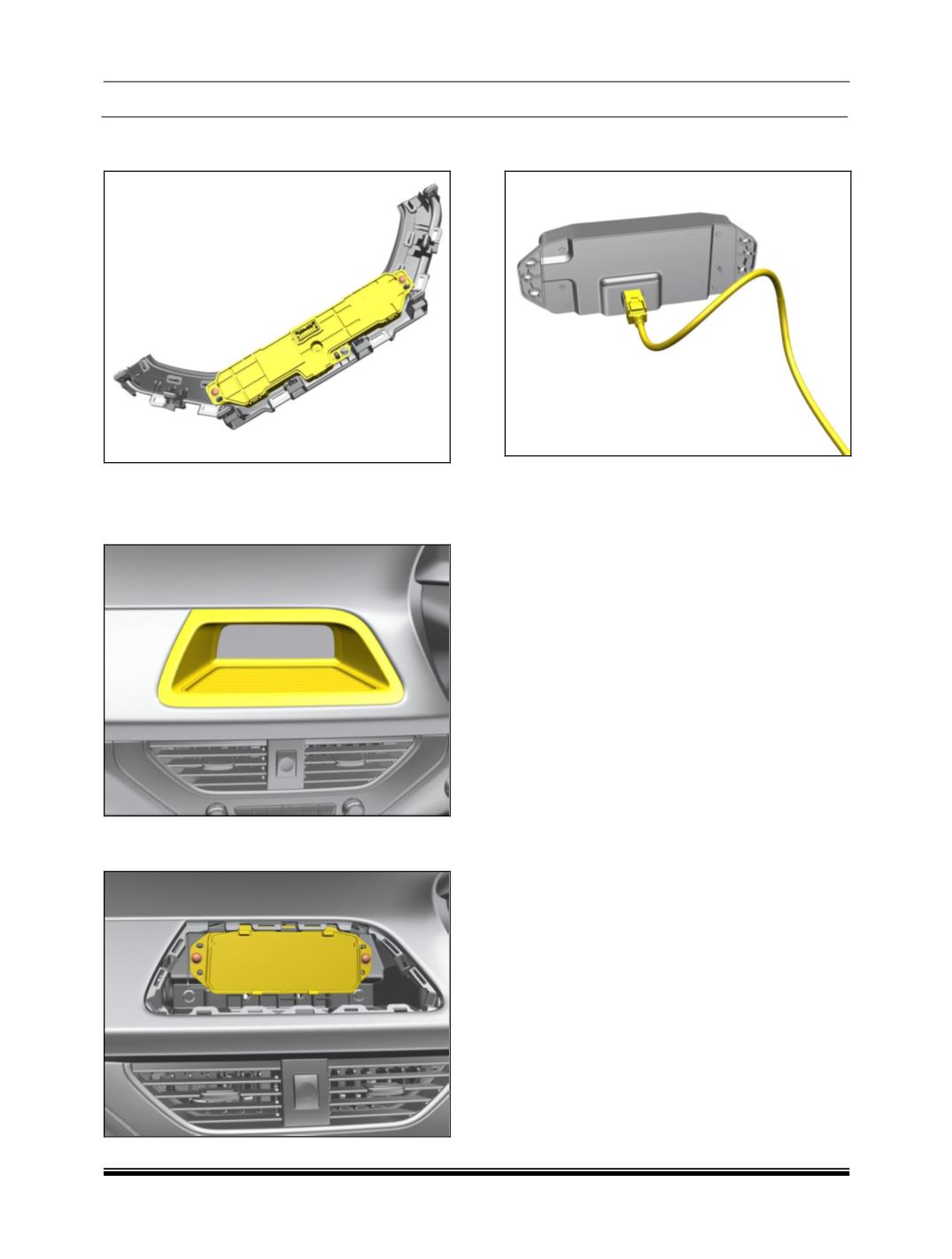
4. Remove the mounting screw and take out
the panel.
LEVEL B
5. Pry out the display bezel along with the
rubber tray.
6. Remove the mounting screw and take out
the display.
7. Disconnect the electrical connection to the
display.
REFITMENT
For refitment follow the procedure in reverse.