




 1573 / 1906

ELECTRICAL
271
2.5.7. Clock
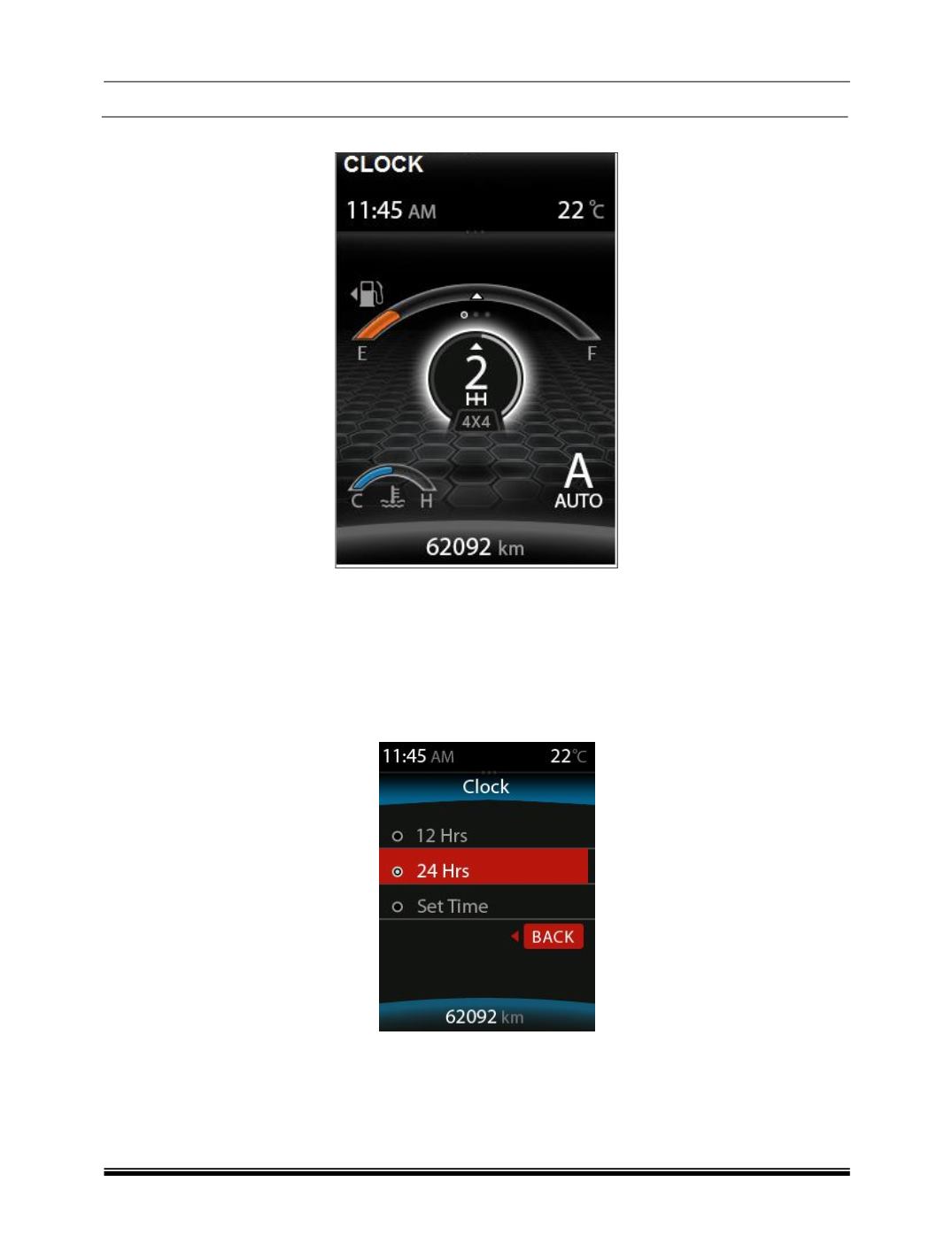
IPC equipped with digital clock which indicates current time in 12/24 hours mode. User shall change
time/mode using settings menu by rotating the DIC switch to SET position and by long and short
pressing the Trip switch in the Combi switch.
Whenever the battery terminals or related fuses are reconnected user must re-set the clock. This
feature is available when Ignition switch is in ON position.
2.5.7.1. Clock Setting
User can set clock for 24/12 hrs mode along with hours and minutes values with this menu.
Step 1:
Long press the toggling switch to select the 12/24 Hrs mode
Step 2:
If the user want to change to 12 Hrs mode then long press the toggling switch to set the clock
Step 3:
The digit has been highlighted in RED colour can be changed by short pressing the toggling
switch.
Step 4:
User can move to the next digit by long pressing the toggling switch.