



 980 / 1236

ELECTRICAL
202
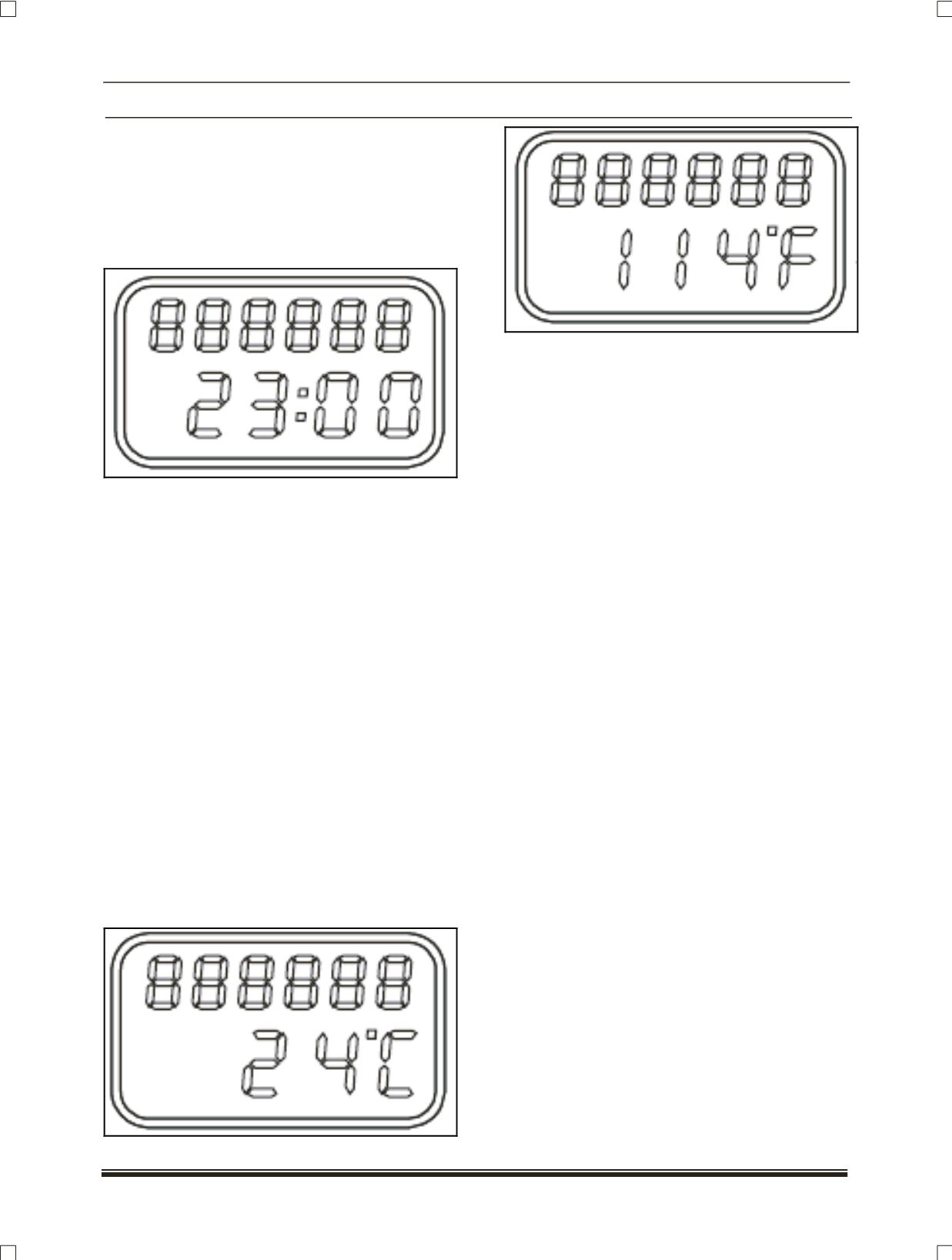
Digital clock
Type:
7 segments, 4 digits
Range:
00:00 hrs.
Resolution:
24 hours clock
This feature has 24 hour display format,
which can be user selected through "MODE" and
"SET" knobs provided.
Digital Clock
Procedure for digital clock setting:
1. The clock can be set using both the ‘SET’ and
‘MODE’ keys.
2. Pressing the ‘SET’ knob for 5 secs. will cause the
displayed time to flash i.e. clock setting mode.
3. At entry into clock setting mode, Hours digit will
flash first.
4. While the Hours data is flashing, pressing and
releasing the SET key will toggle between
minutes and hours.
5. While the numbers are flashing, pressing the
MODE key will advance the displayed number.
6. While the numbers are flashing, if no keys are
pressed for 5 secs. Then the current value
displayed are stored and the display stops
flashing.
Ambient temperature
Type:
7 segments, 3 digits
Range:
-30ºC to +80 ºC or -22 ºF to +176 ºF
Ambient Temperature can be seen with °C or °F
unit, which can be selected by user by using
“MODE” and “SET” knobs.
Odometer (as applicable)
Type:
7 segments, 6 digits.
Range:
0 to 999999
Resolution:
1 km
The Odometer reading will not over flow to
“0.0” when the maximum value is accumulated, the
display will freeze to maximum value.