



 977 / 1236

ELECTRICAL
199
ELECTRICAL
8.14 10. SPEEDOMETER GAUGE DETAILS:
This indicates the instantaneous vehicle speed in km/h to the driver for permitting a safe drive. The
speedometer range is ‘0’ km/h – ‘200’ km/h.
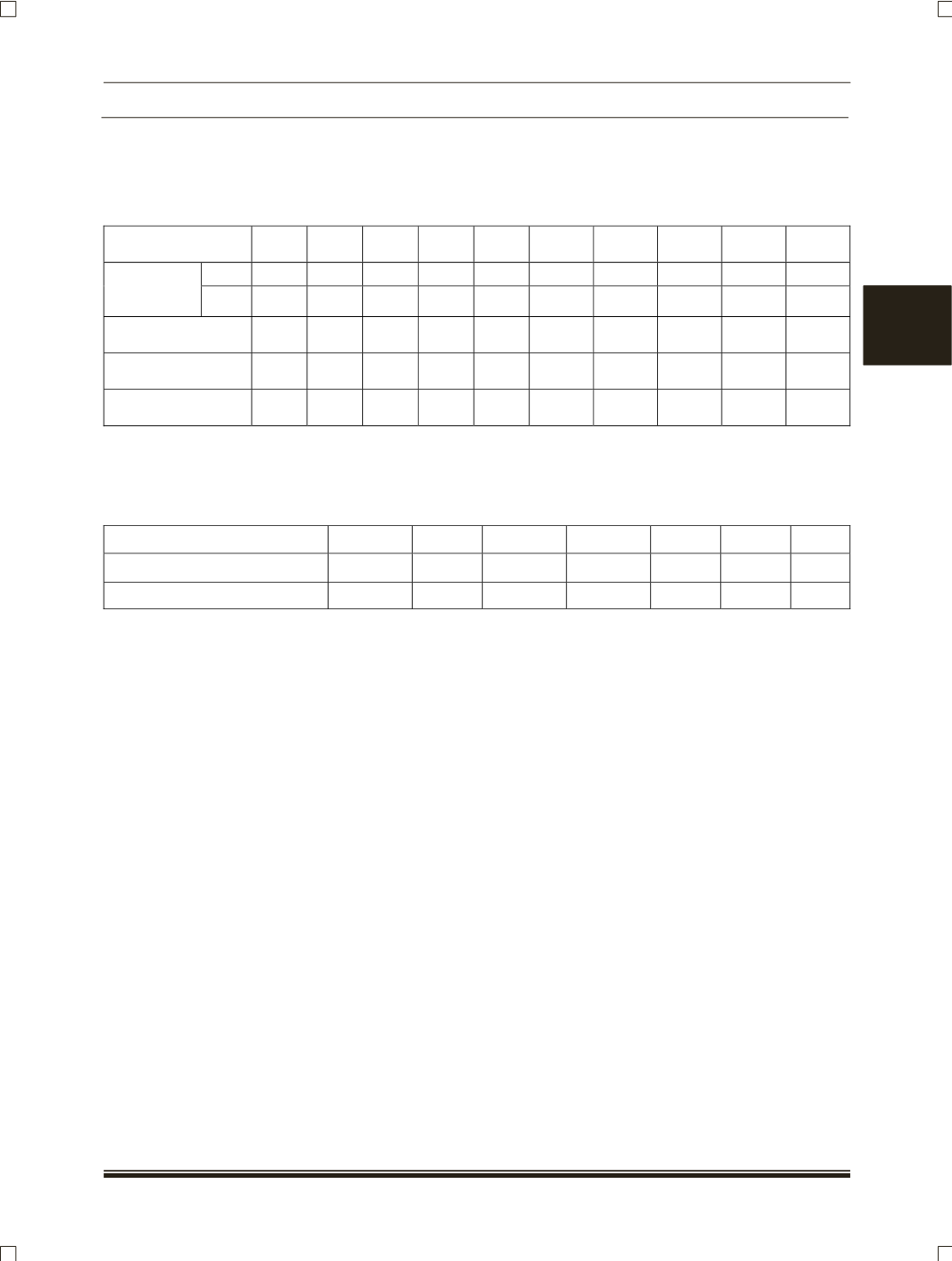
Speedometer indication (kmph):
Actual speed km /
hr
20
40
60
80
100
120
140
160
180
200
Min.
20
40
60
80
100
120
140
160
180
200
Indication
Tolerance
(km / hr)
Max.
23
45
65
85
105
126
147
168
189
210
Frequency (Hz)
ratio 1:1.17
26
52
78
104
130
156
182
208
234
260
Frequency (Hz)
ratio 1:0.812
18.04 36.06 54.13 72.17 90.22 108.26 126.31 144.35 162.40 174.44
Frequency (Hz)
ratio 1:0.90
20
40
60
80
100
120
140
160
180
200
8.14 11. TACHOMETER GAUGE DETAILS:
This indicates the instantaneous engine speed in revolutions per minute (rpm) to the driver for
permitting an economical and safe drive. For better economy, drive the vehicle in the Green zone of the
Tachometer. Avoid Driving in the Red zone of Tachometer to protect the engine from damages.
Indication RPM
500
1000
2000
3000
4000
5000
6000
Indication Tolerance (RPM)
±90
±90
±90
±90
±132
±132
±132
Frequency (Hz)
126
252
504
756
1008
1260
1512
8.14 12. FUEL GAUGE DETAILS:
The fuel gauge indicates the amount of fuel remaining in the fuel tank to the driver for permitting a
safe drive. Running the vehicle at very low fuel condition may damage the engine, so avoid driving in very
low fuel condition. Very low fuel condition will be indicated by the Red zone in Fuel gauge.
8.14 13. TEMPERATURE GAUE DETAILS:
This indicates the instantaneous engine coolant temperature to the driver for permitting a safe drive.
Running the vehicle at very hot condition may damage the engine, so avoid driving in very hot condition.
When the Temperature gauge pointer is at Red zone and Coolant Temperature Warning Lamp is blinking
with continuous buzzer, stop the vehicle and check the engine cooling system.
8.14 14. OUTSIDE AMBIENT TEMPERATURE BRIEF:
Outside Ambient Temperature can be seen with °C or °F unit, which can be selected by user by
using “DIC and Trip” switches (
Ref. Switch functions in section 15
). The displayed “Outside Ambient
Temperature" value may not be accurate when Vehicle speed is ≤ 30 km/h due to engine heat, exhaust from
surrounding vehicles and heat reflection from road. The Instrument Cluster delays the Outside Ambient
Temperature display update until it reaches the correct outside temperature. This may take several minutes.