



 1007 / 1525

152
Diagnostic System Installation andOperatingProcedure
4.
Installation and Operating Procedure
4.1. Installation of Software
The Installation CD of the software is supplied
with the kit .
Installation Procedure
1.
Insert the CD in the CD Rom.
2.
Set-up will start running automatically.
3.
After this the program will guide you for further
installation.
4.
After successful installation, a short-cut to
program will appear on desk-top.
5.
This program will be loaded in following
directory 'C: \Program files\TATAMotors
6.
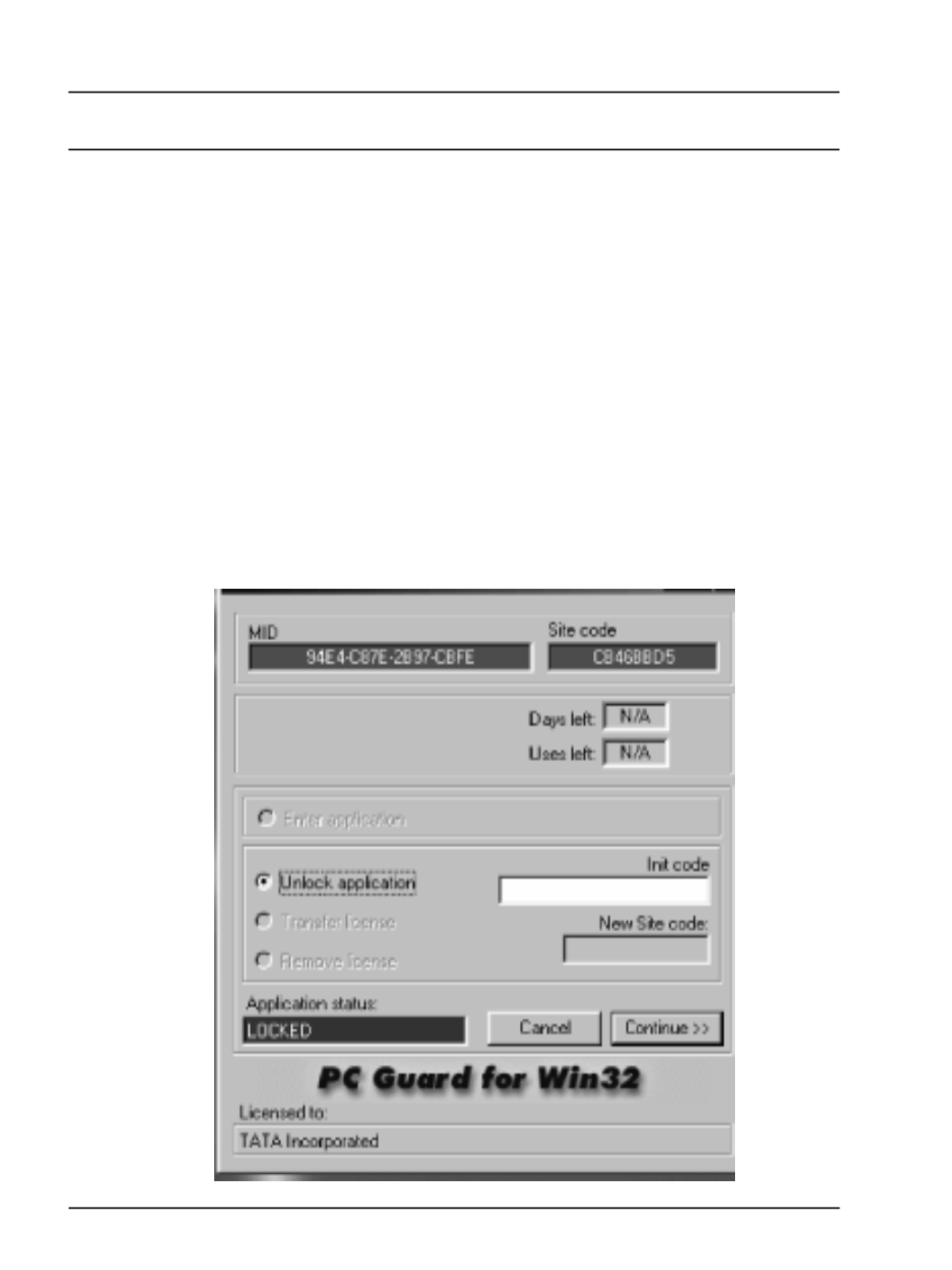
When user clicks the short-cut, following screen
will appear