



 1009 / 1525

154
Diagnostic System Installation andOperatingProcedure
4.2. Operating Procedure
4.2.1.MainMenu
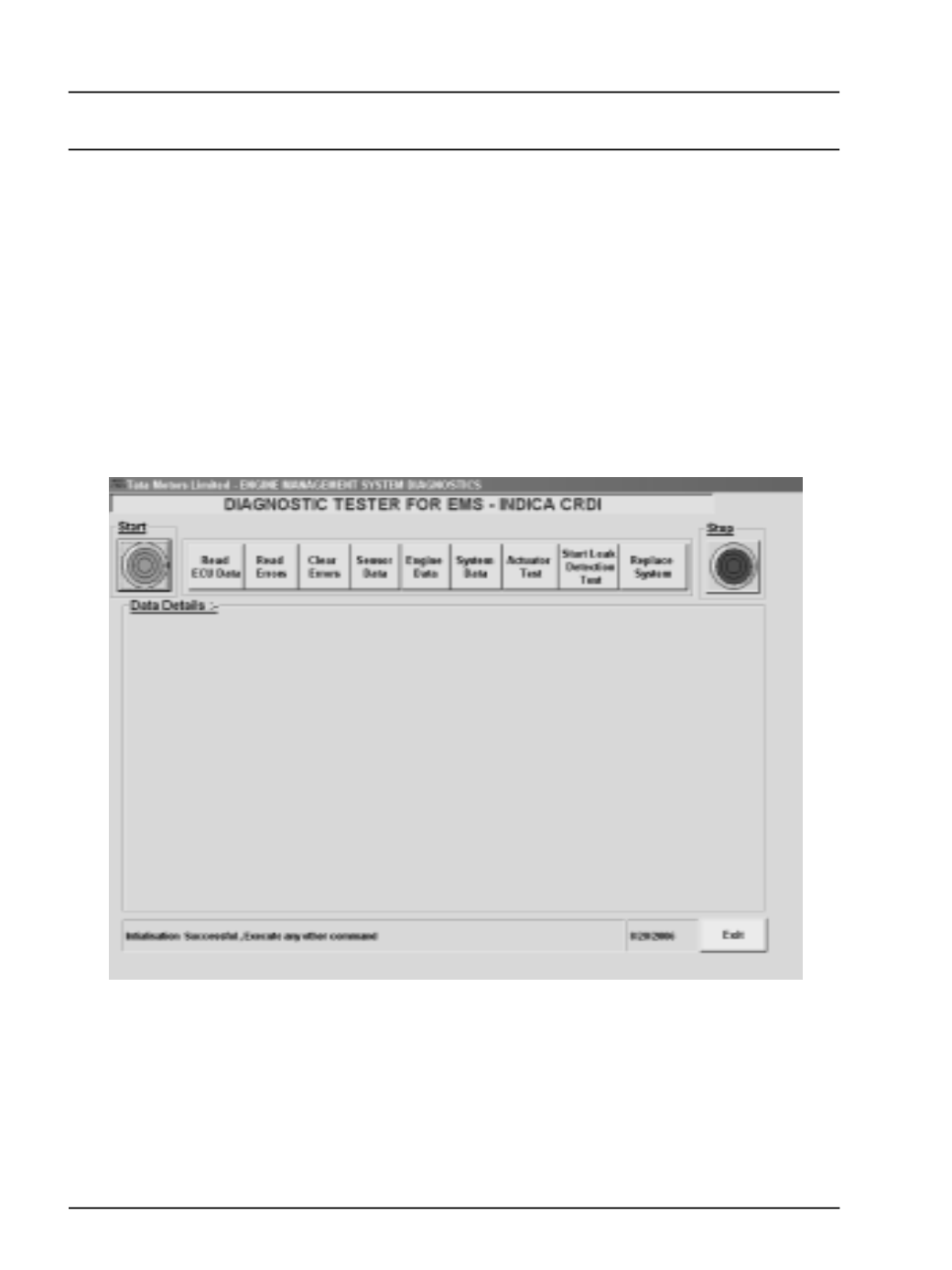
This is the main form of the application. All the
functions available for the Diagnostic of the ECU
can be performed through the tester. To perform
any function click the respective button. This also
gives context sensitive help for the system .
To start the communication between the ECU
and theTester press the "START" button as shown
in fig below. This initialises the ECU and enables
the communication which is required for further
execution of the commands.