



 1360 / 1588

ENGINE
161
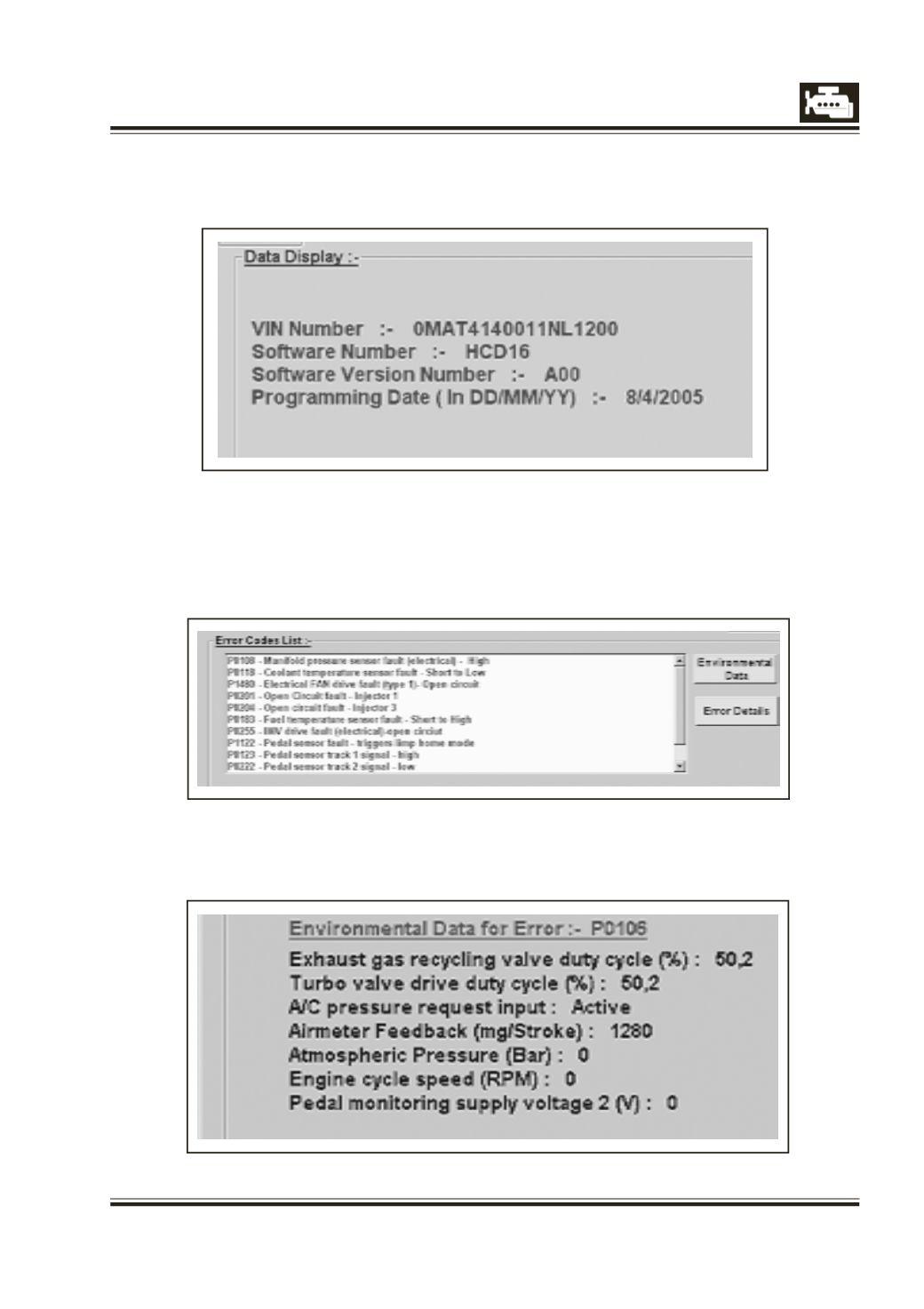
1] Read ECU Data
After clicking the ‘Read ECU Data’ button, the tester will display the ECU data like VIN number, Software
Number, Software version number and Programming Date.
2] Read DTC
Click on the button to read failure codes recorded in the ECU.
The errors are displayed in the error list. Select the error from the list and click for the required function
to view Details or Environmental data.
2.1) Read Error Conditions :-
This shows environmental data recorded at the time of fault has occurred.