



 1359 / 1588

ENGINE
160
4.2.2] DETAILS:-
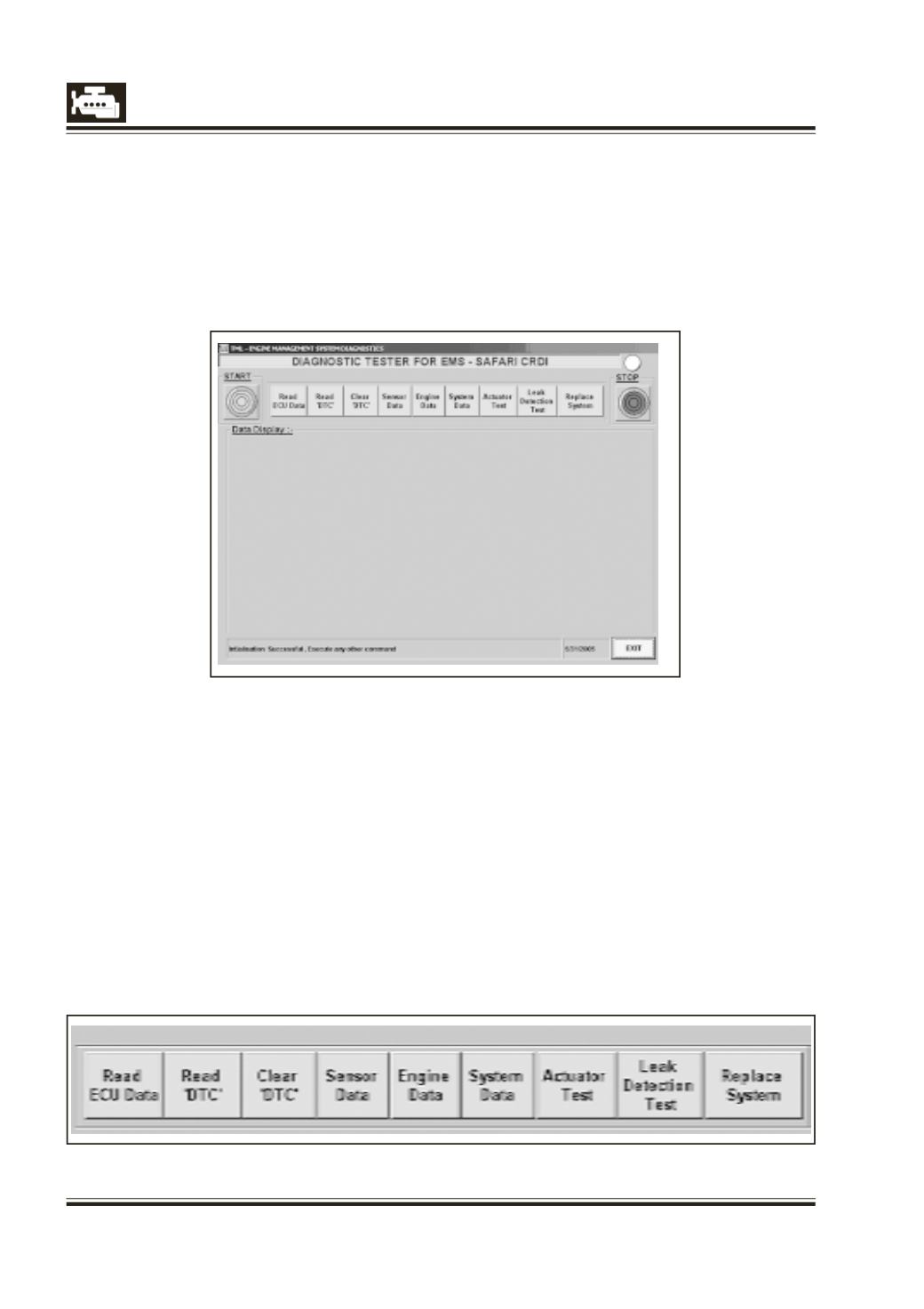
After the initialisation user can execute the
Diagnostic functions using main toolbar.
1)
Read ECUData
2)
Read Failure Codes
3)
Clear Failure Codes
4)
Read Sensor Data
5)
Read EngineData
6)
Read SystemData
7)
ActuatorTest
8)
Leak detection test
9)
Replace System
l
Read C2I data
l
Write C2I individual
l
Write C2I All
l
Enter VIN data
4.2]
Operating Procedure
4.2.1] Main Menu :-
This is the main form of the application. All the
functions available for the Diagnostic of the
ECU can be performed through the tester. To
perform any function click the respective
button. This also gives context sensitive help
for the system .
To start the communication between the ECU
and the Tester press the “START” button as
shown in fig below. This initialises the ECU and
enables the communication which is required
for further execution of the commands.