




 1153 / 1428

ENGINE
34
Write Data
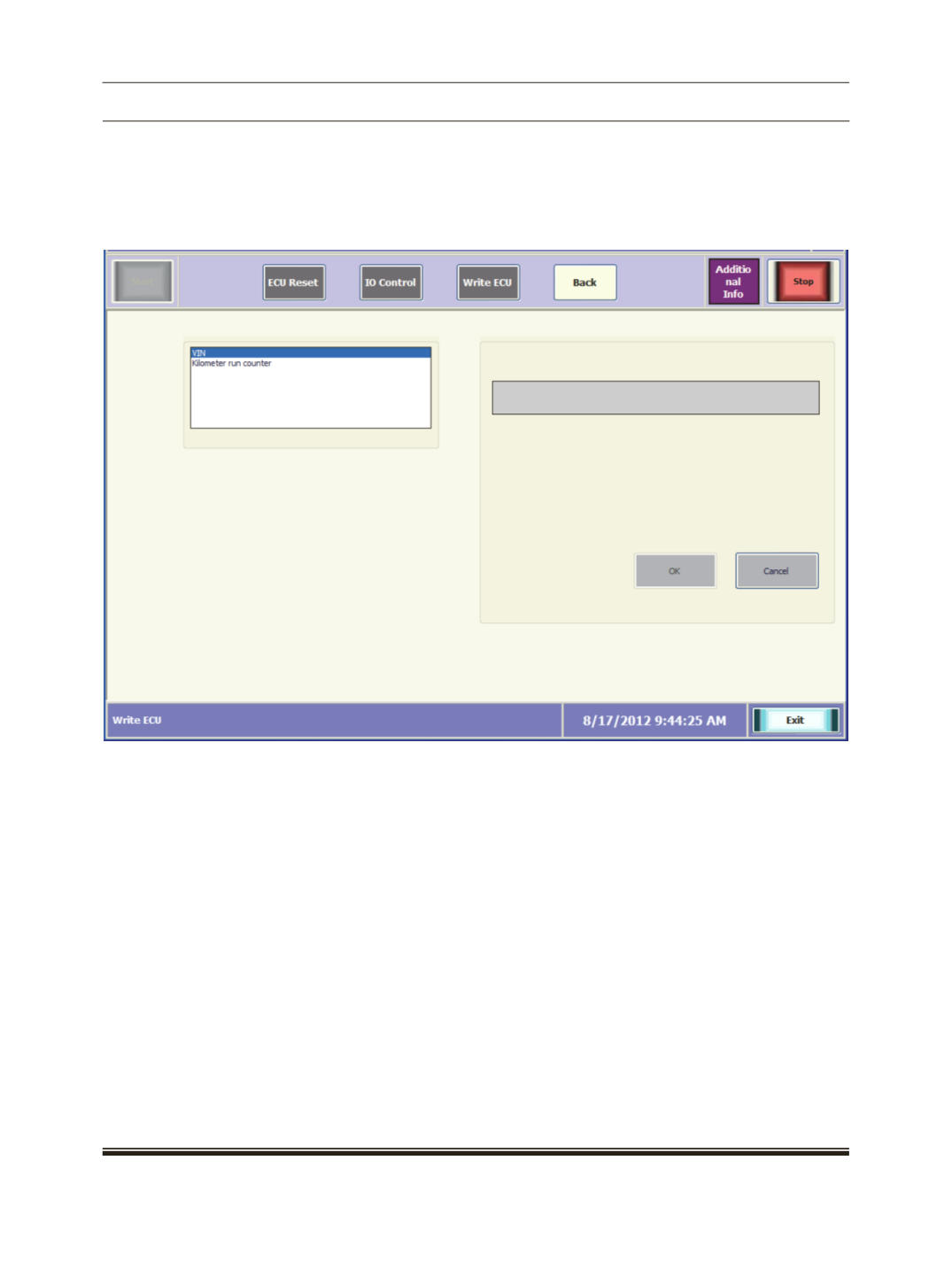
Click the "Write Data" to enter the data in the ECU. Select the required option and the corresponding screen
will be displayed
Select the Parameter from the list.[ For example : VIN no] .
Enter the no to write in the textbox and click on OK to do write operation.