



 689 / 801

NEXON EV
X114H
DTC Troubleshooting Data
Version: 3.0
Date: 27-May-2020
`
16
Author: K Tejaswini Manasa/ Navya Krishnan/Gaurav Jha
Copyright © TATA MOTORS Ltd.
This document must not be used in anyway, such as copying and redistributing to third parties, without the consent of author.
P130018:- KL30 (12V LV Supply to DC-DC) under voltage
Overview:
Write up for
the
s
ystem:-
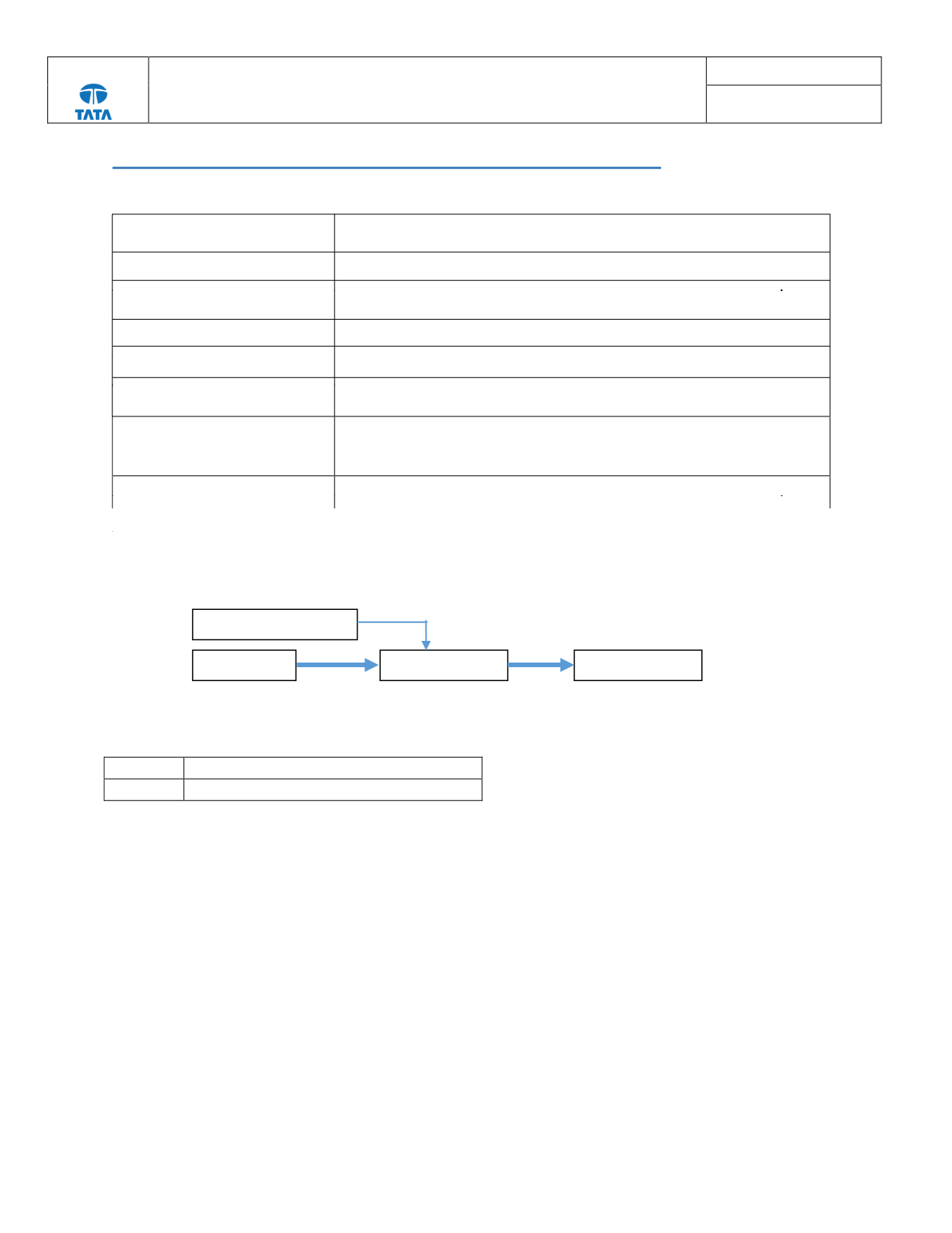
HV DCDC Converter converts DC high voltage to low voltage to charge 12V battery. The conversion starts with wakeup
and enable signal to DCDC converter from VCU.
Pre-Check Points:-
KL 30
12V LV supply to DC DC Converter
KL 31
LV Ground to DC DC Converter
a) Check for proper terminal connection of 12V LV Battery
b) Check LV Battery voltage to be in range (7.5V - 14V)
c) Check LV Supply Connection of DCDC ( KL30, LV connector pin: 4) for damage (connectors, terminals
bending & rusting of pins)
d) Check LV ground Connection to DCDC (KL31, LV connector pin:8) for any damage.
ISO Code (If applicable)
P130018
Customer Symptom
NA
Fault Effect (On Vehicle)
DCDC Converter is not charging LV battery. Vehicle stops when LV battery is
completely drained
Lamp Status (If Any)
NA
DTC Detection Condition
This DTC gets logged if DCDC LV Supply voltage is less than 8 V
Normal Operating Condition
DCDC converter LV supply voltage in the range of 8V to 16V
Probable Trouble Area
1.
LV battery voltage is too low
2. Voltage sensor failure
3. DCDC converter low output voltage
Healing Condition
Ignition OFF wait till VCU sleeps & Ignition ON
LV Signal Connector
HV Battery
DCDC Converter
12V LV Battery