




 480 / 924

STEERING
14
Installation of steering rack and pinion
assembly on vehicle:
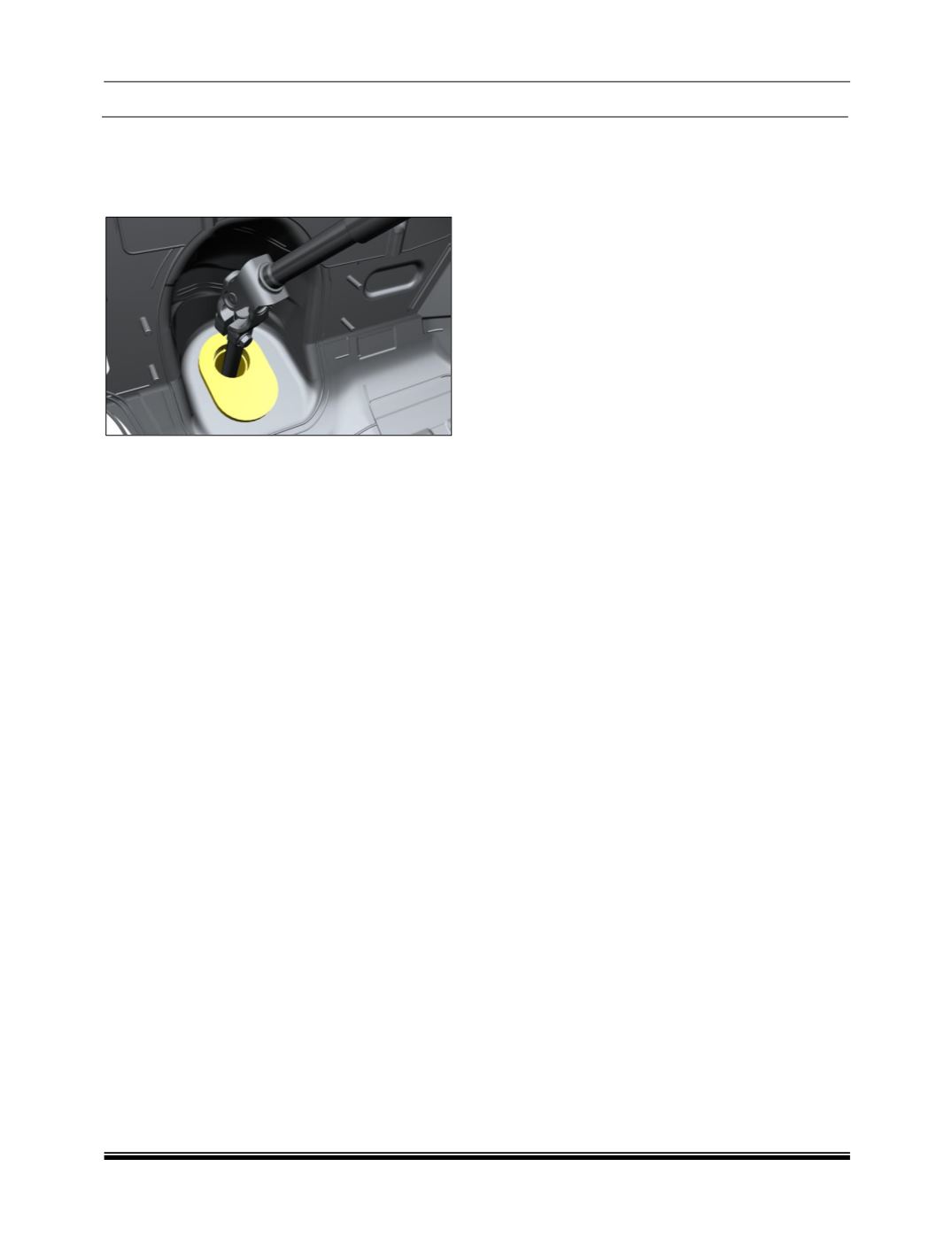
1. Fit firewall seal on steering rack assembly in
proper alignment.
NOTE:
Please ensure the correct fitment of firewall seal on
steering rack assembly
2. Insert steering rack and pinion tie rod ends
through either side of steering knuckle.
3. Tighten both tie rod ball joint nyloc nut to
specified torque. Tightening torque as per
specified.
4. Tighten upper universal joint bolt to specified
torque. Tightening torque as per specified.
5. Tighten lower universal joint bolt to specified
torque. (Thus securing steering column with
rack). Tightening torque as per specified.
6. Refit both front wheels.
7. Check for toe settings and do wheel alignment
if required. Refer wheel alignment procedure).
NOTE:
Wheel alignment is necessary after
installation (Refer wheel alignment
procedure).
After replacement of Column / ECU /
Intermediate / Rack & pinion: Read DTC
using diagnostic tool.
If warning lamp is OFF and no heavy
steering is observed, then ignore this DTC
U1609-81.
If warning lamp is OFF and heavy steering is
observed, then check for other DTCs logged
along with this DTC U1609-81. (Refer
diagnostic tool user manual for trouble
shooting).