



 1553 / 1863

ELECTRICAL
251
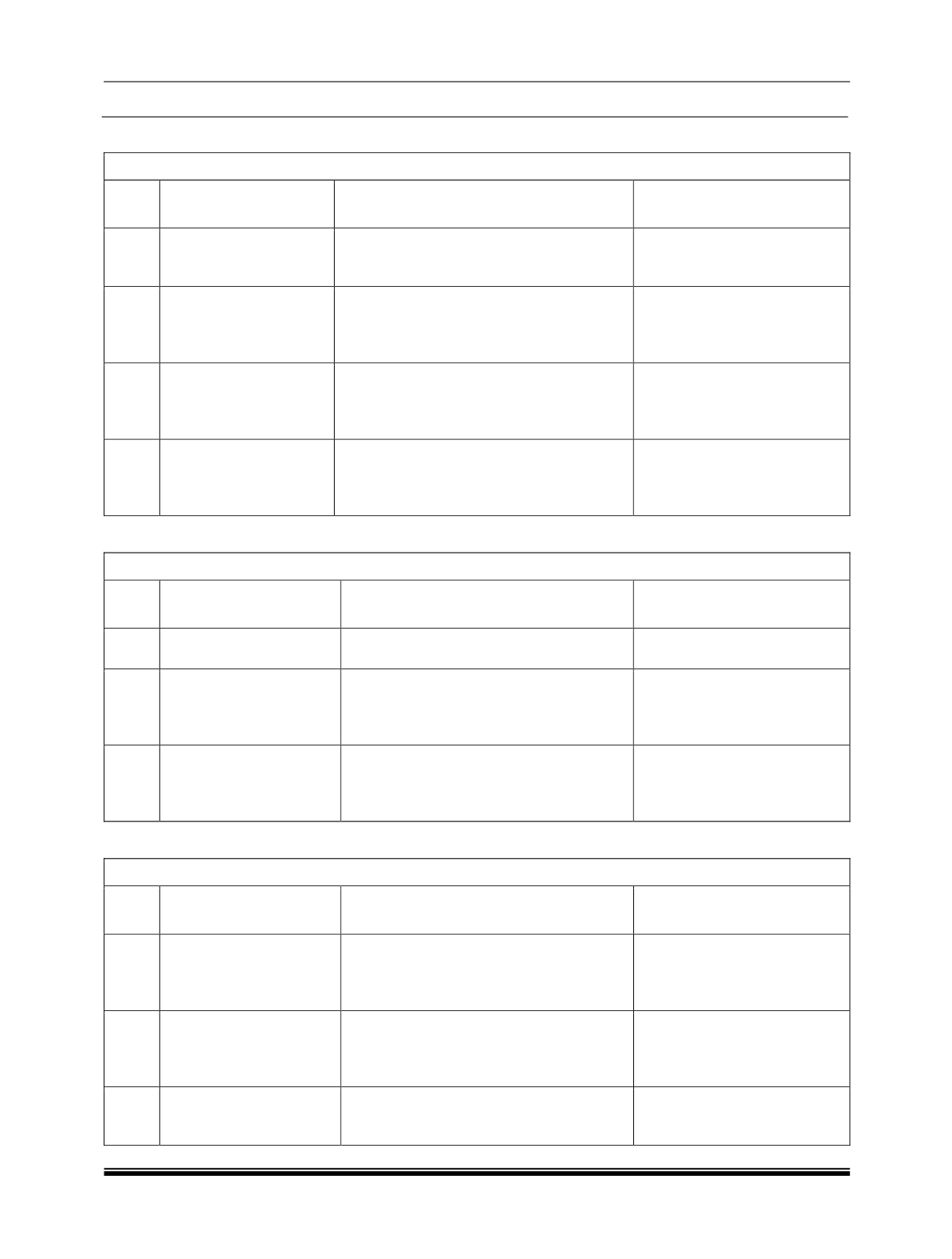
5. Fuel Unit Selection: (If Applicable)
Display selection by “Trip” switch :
Sr.
No.
Indication on Display
If “Trip” switch is pressed & released
after 1.5 secs.
If “Trip” switch is pressed
& released within 1.5 secs.
1
Fuel Units
Displays Fuel unit as “L/100km” with
arrow mark.
Display
changes
to
“Temperature unit selection”
mode.
2
Fuel
unit
with
“L/100km”
Displays “Setting Saved” for 3 secs. (i.e.
Fuel unit selected is “L/100km”) and
display changes to “Temperature unit
selection” mode.
Displays Fuel unit as “MPG”
with arrow mark.
3
Fuel unit with “MPG”
Displays “Setting Saved” for 3 secs. (i.e.
Fuel unit selected is “MPG”) and display
changes to “Temperature unit selection”
mode.
Displays Fuel unit as “km/l”
with arrow mark.
4
Fuel unit with “km/l”
Displays “Setting Saved” for 3 secs. (i.e.
Fuel unit selected is “km/l”) and display
changes to “Temperature unit selection”
mode.
Displays Fuel unit as
“L/100km” with arrow mark.
6. Temperature Unit Selection: (If Applicable)
Display selection by “Trip” switch :
Sr.
No.
Indication on Display
If “Trip” switch is pressed & released
after 1.5 secs.
If “Trip” switch is pressed
& released within 1.5 secs.
1
Temperature Units
Displays Temperature unit as “°C” with
arrow mark.
Display changes to “Unit
selection” mode.
2
Temperature unit with
“°C”
Displays “Setting Saved” for 3 secs. (i.e.
Temperature unit selected is “°C”) and
display changes to “Unit selection”
mode.
Displays Temperature unit as
“°F” with arrow mark.
3
Temperature unit with
“°F”
Displays “Setting Saved” for 3 secs. (i.e.
Temperature unit selected is “°F”) and
display changes to “Unit selection”
mode.
Displays Temperature unit as
“°C” with arrow mark.
7. Language Selection Mode: (If Applicable)
Display selection by “Trip” switch :
Sr.
No.
Indication on Display
If “Trip” switch is pressed & released
after 1.5 secs.
If “Trip” switch is pressed
& released within 1.5 secs.
1
Language - English
(ENGLISH)
Displays “Setting Saved” for 3 secs. (i.e.
Language selected is “English”) and
Display changes to “Unit Selection”
mode.
Display changes to next
language option with arrow -
“Spanish” (ESPANOL).
2
Language - Spanish
(ESPANOL)
Displays “Setting Saved” for 3 secs. (i.e.
Language selected is “Spanish”) and
Display changes to “Unit Selection”
mode.
Display changes to next
language option with arrow -
“Italian” (ITALIANO).
3
Language
–
Italian
(ITALIANO)
Displays “Setting Saved” for 3 secs. (i.e.
Language selected is “Italian”) and
Display changes to “Unit Selection”
mode
Display changes to next
language option with arrow -
“English” (ENGLISH).