




 1487 / 1863

ELECTRICAL
185
MAINTENANCE AND TROUBLE SHOOTING
CONDITION
POSSIBLE CAUSE
CORRECTION/REFERENCE ITEM
ECU Communication Error
1) OBD connection
Check the OBD cable connection with
Diagnostic Connector of vehicle.
Check the OBD cable connection with
Silicon Engine module
2) Com port connection
Check the com settings.
Connect RS232 cable to COM Port.
Check the ‘DSR’ and ‘DTR’ LEDs are on
Rs232 Silicon Engine module. If both are
Red re-initialise the unit.
3) PCMCIA Card Connection
For details read the reference document
“PCMCIA_Card_Port_SettingsPDF”
available on site
https://ed.tatamotors.com4) USB Port Connection
Check the USB LED on USB Silicon
Engine.
If it is red, then connect USB Cable to USB
Port and Install the drivers from the CD or
from the application path directory.
Check the USB LED on USB Silicon
Engine.
If it is green then initialise the unit.
Software Not Working
Corrupt version of Software
Reinstall the software.
Remedial action
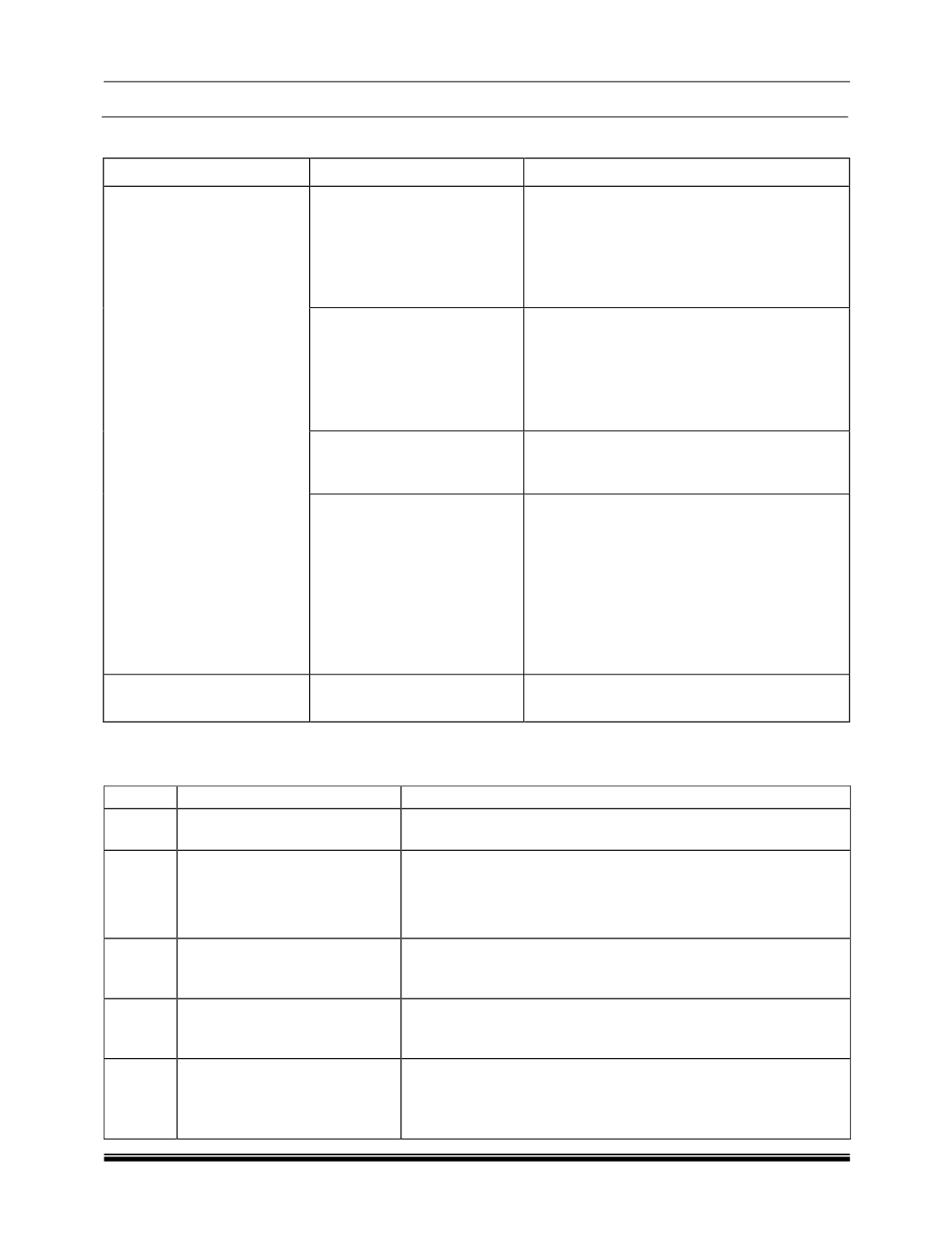
Following table indicates multiple solutions depending respective case.
Sr. No.
Cases
Corrective Actions
1
one E-Key is lost
Get New E-key (1 no.) based on key tag no. Key
learning procedure is required.
2
Both E-Keys are lost
If you have key Tag no, order new flip key. If key tag is not
available, then check key tag number on ignition switch. Order
Flip key and replace using key learning procedure. No need to
replace lock set.
3
Immobilizer is damaged
Order immobilizer and replace, no need to replace complete
lockset.
4
If Ignition lock is damaged
Replace complete lockset (lockset consist of ignition switch
with Immobilizer, 2 E-keys, front door locks, Boot lock & Glove
Box lock). Pairing of EMS ECU and ICU is required.
5
If Door or other locks are
damaged
Replace damaged lock only or Replace complete lockset
(lockset consist of ignition switch with Immobilizer, 2 E-keys,
front door locks, Boot lock & Glove Box lock). Pairing of
EMS ECU and ICU is required.