




 1046 / 1588

159
Diagnostic System Installation andOperatingProcedure
6.
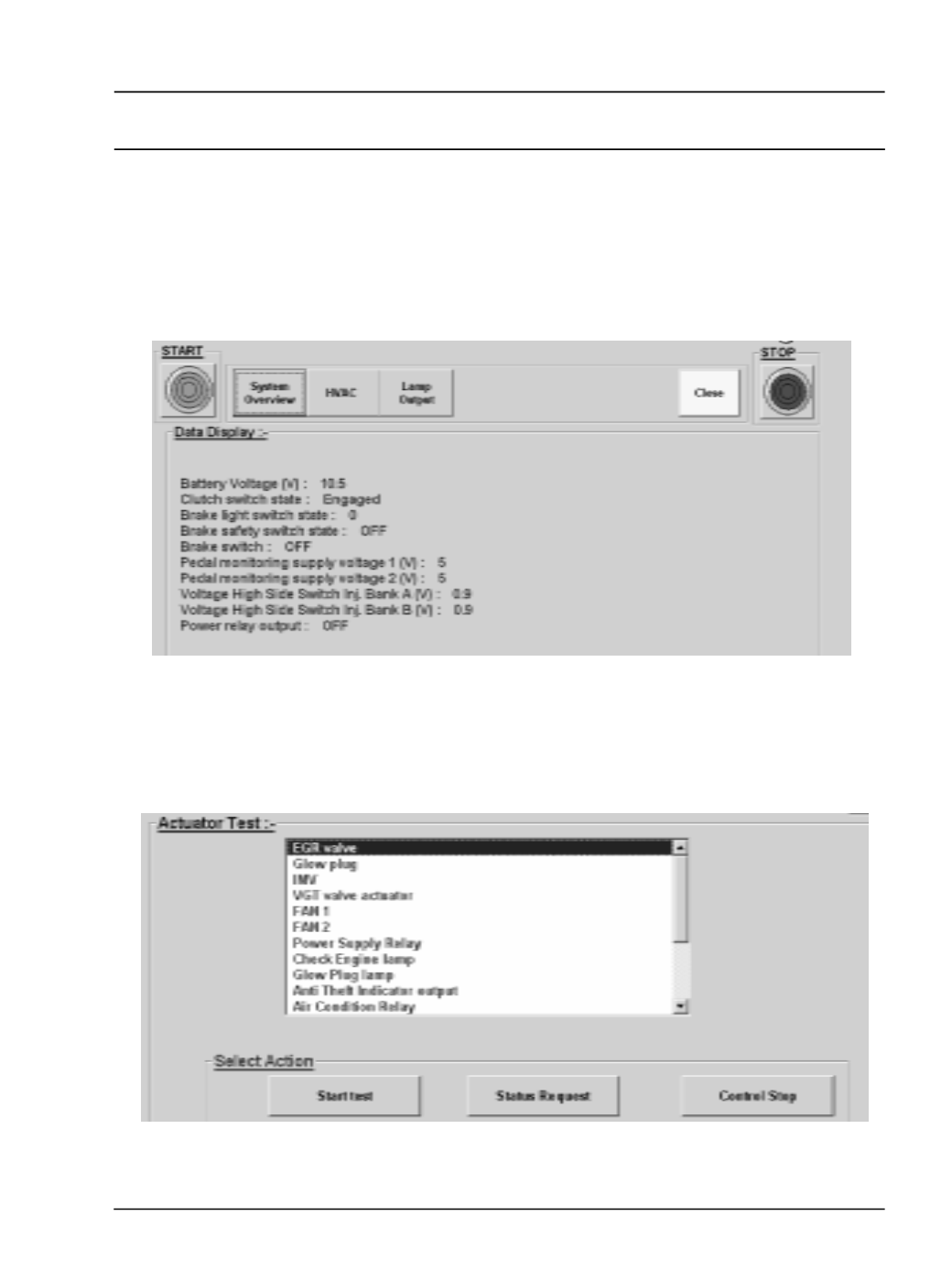
ReadSystemData
This gives real parameter display for different
engine parameter groups like
l
System Overview
l
HVAC data
l
Lamp Output status
7.
Actuator Test
Click to the Actuator test and the actuator list
will appear. Select the required actuator and click
'Start test' to start the test. For this test ensure
that the engine is 'ON'.