



 1042 / 1588

155
Diagnostic System Installation andOperatingProcedure
4.2.2. DETAILS
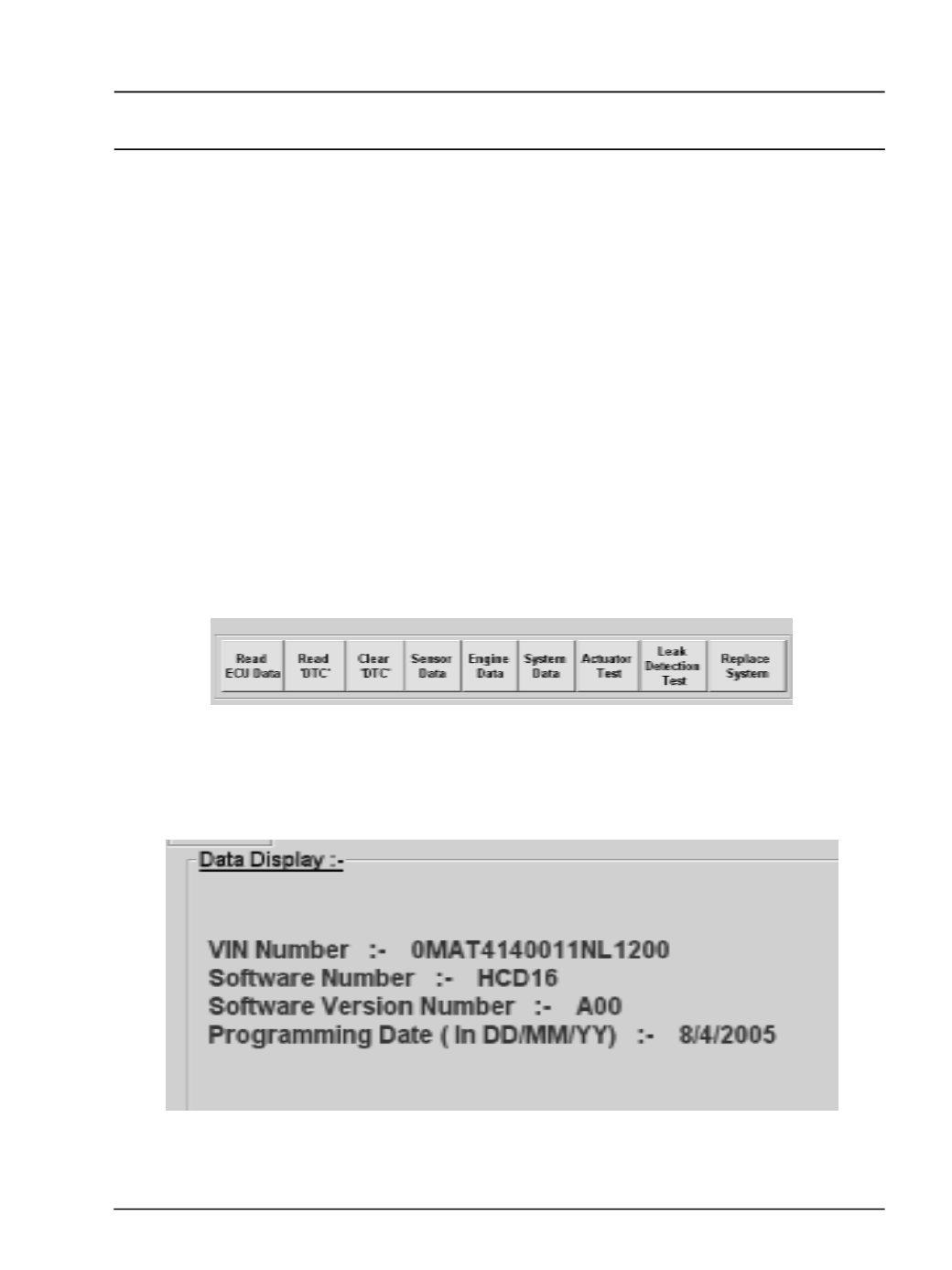
After the initialisation user can execute the
Diagnostic functions using main toolbar.
1.
ReadECUData
2.
ReadFailureCodes
3.
Clear FailureCodes
4.
Read Sensor Data
5.
ReadEngineData
6.
ReadSystemData
7.
Actuator Test
8.
Leak detection test
9.
ReplaceSystem
l
Read C2I data
l
Write C2I individual
l
Write C2I All
l
Enter VIN data
1.
ReadECUData
After clicking the 'Read ECU Data' button, the
tester will display the ECU data like VIN number,
Software Number , Software version number and
Programming Date .