




 303 / 896

ENGINE 273 MPFI
289
ENGINE
Specification:
Laptop/PC:
Operating System : WIN2000/WIN XP or later version
CPUSpeed
: Pentium IV
RAM
: 256 MB
Video Display
: 800 x 600 resolutions with colour display
RS232 port
: Minimum No.1
USB
: At least 1
CDROMDrive
: 4X-48X
Printer Port (optional)
The software works with the above features of a Desktop/Laptop PC. Any other combination of speed and RAM
less than specified will slow down the response of the software.
Interface Unit: Interface Unit from M/s Silicon Engines, USA
OBDCable
RS232 / USB Cable
Installation Procedure:
The installation CD of the software is supplied with the kit.
1) Insert the CD in the CD Rom.
2) Setup will start running automatically or you can run the setup by double clicking setup. bat.
3) After this the program will guide you for further installation.
4) After successful installation, a shortcut to program will appear on desktop.
5) This programwill be loaded in following directory ‘C:\Program files\TATAMotors’(or user can specify a preferred
location)
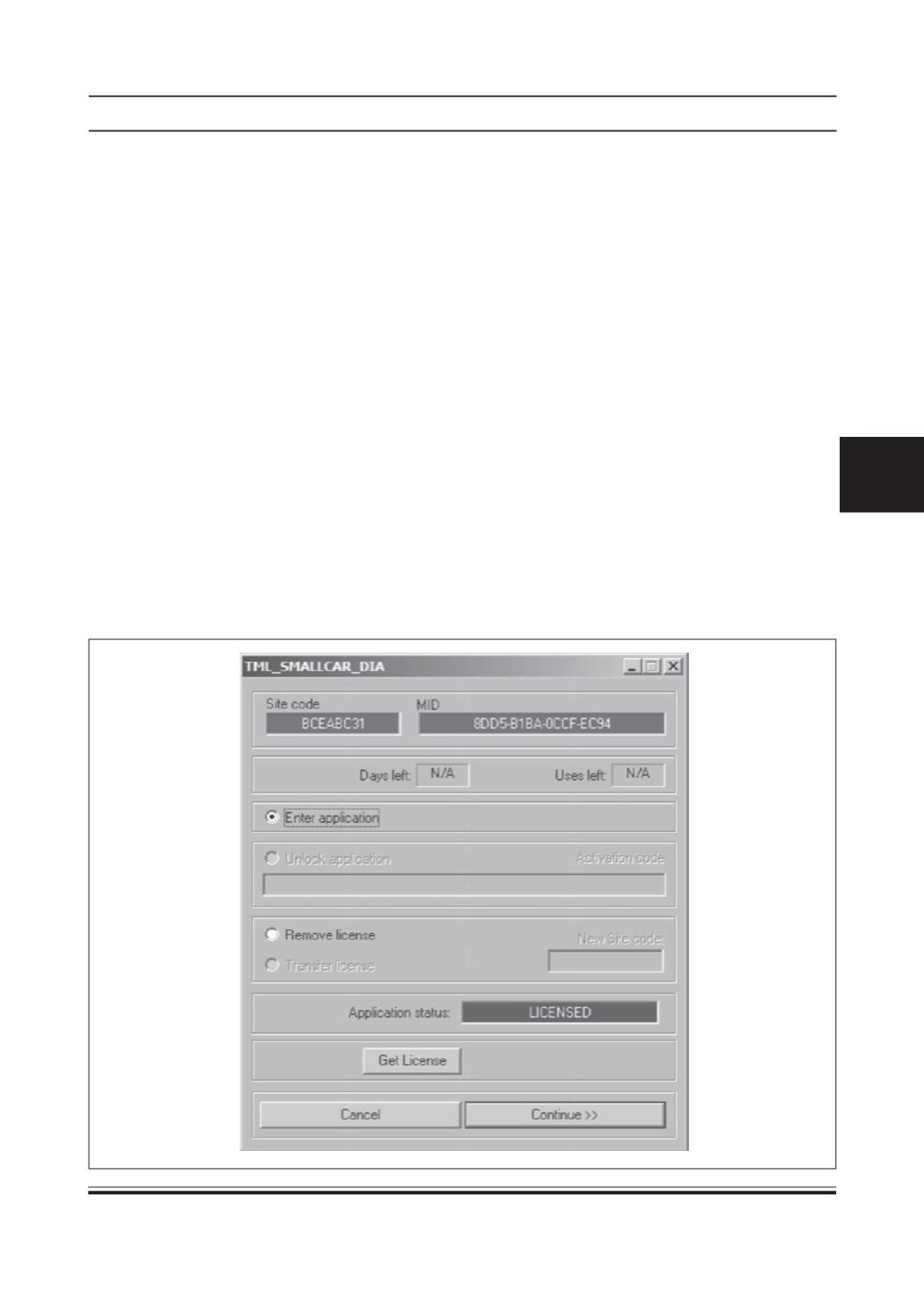
6) When user clicks the shortcut, following screen will appear: (F)