




 904 / 1904

HVAC
851
HVAC
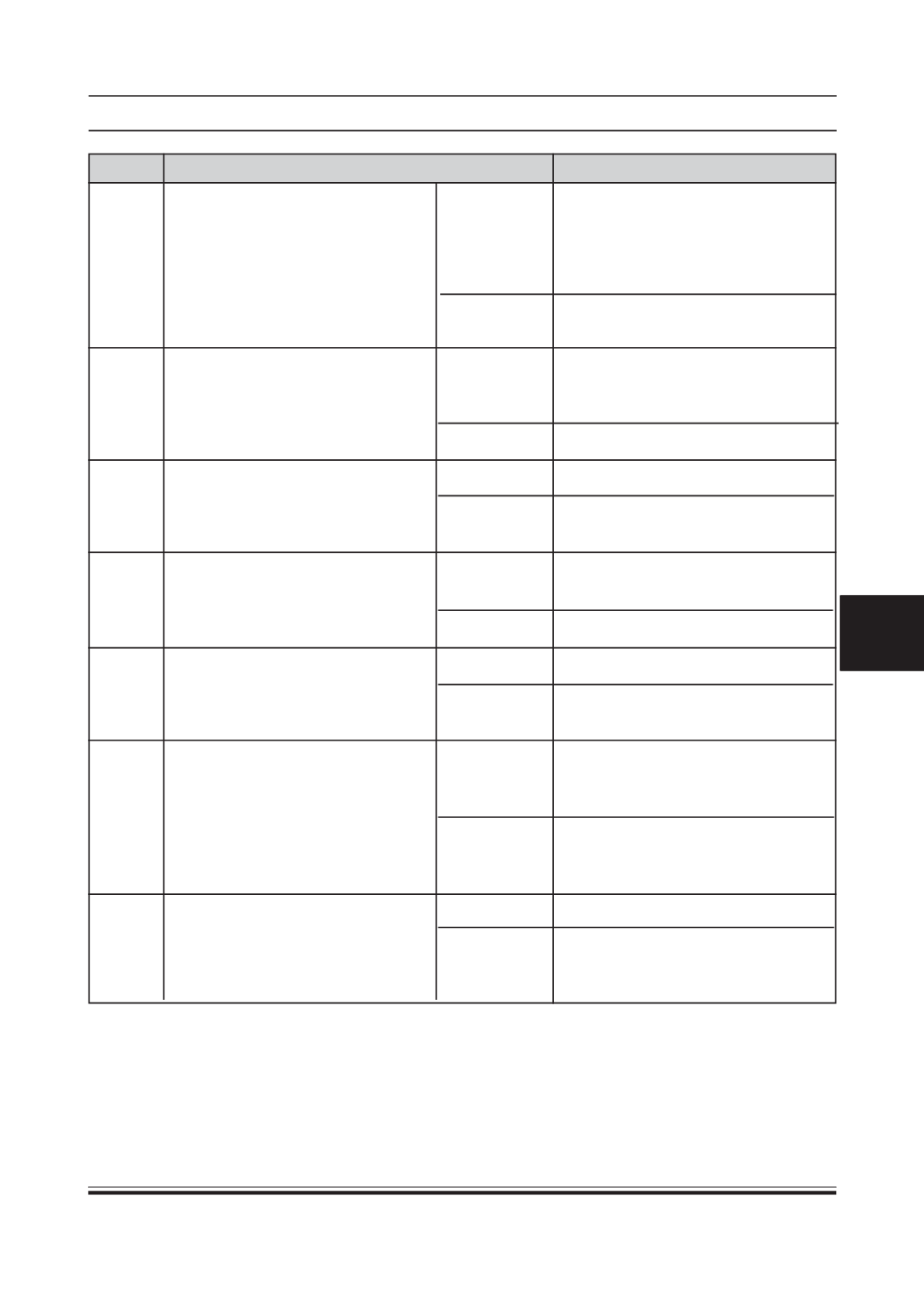
INSPECTA/C COMPRESSOR OIL
Is compressor oil darker than normal
and contaminated with aluminum
chips?
VERIFYWHETHERMALFUNCTION IS
IN A/C COMPRESSOR OR
ELSEWHERE
Is noise heard immediately after A/C
compressor is stopped?
INSPECT DRIVE BELT
Inspect drive belt.
Is it okay?
INSPECT DRIVE BELTCONDITION
Is drive belt worn?
Does it have foreign material imbedded
in it, or gave oil on it?
INSPECTMAGNETICCLUTCH
Inspect magnetic clutch.
Is it okay ?
VERIFYWHETHERMALFUNCTION IS
IN A/C COMPRESSOR OR
REFRIGERANT LINES
Is noise emitted fromA/C compressor?
VERIFY THAT MALFUNCTION
SYMPTOMOCCURSAFTERREPAIR
Has A/C compressor noise stopped?
ReplaceA/C compressor and condenser,
then go to Step 19 (SinceA/C compressor
may be worn and receiver/drier may be
clogged, replacement of receiver/drier is
necessary.)
Condition is normal. Recheck malfunction
symptoms.
ReplaceA/C compressor, then go to Step
19. (A/C compressor discharge valve left
open)
Go to next step.
Go to next step.
Adjust or replace drive belt, then go to
Step 19.
Remove obstruction, remove oil, or
replace drive belt, then go to Step 19.
Go to next step.
Replace A/C compressor , go to Step 19.
ReplaceA/C compressor, then go to Step
19.
Visually inspect A/C compressor, replace
appropriate parts if necessary, then go to
next step.
If noise is due to refrigerant lines, repair
detached or missing clips, tighten loose
bolts, then go to next step.
Troubleshooting completed.
Explain repairs to customer.
Recheck malfunction symptoms, then
repeat from Step 1 if malfunction recurs.
Yes
No
Yes
No
Yes
No
Yes
No
Yes
No
Yes
No
Yes
No
13
14
15
16
17
18
19
STEP INSPECTION
ACTION