




 568 / 948

BODY
10
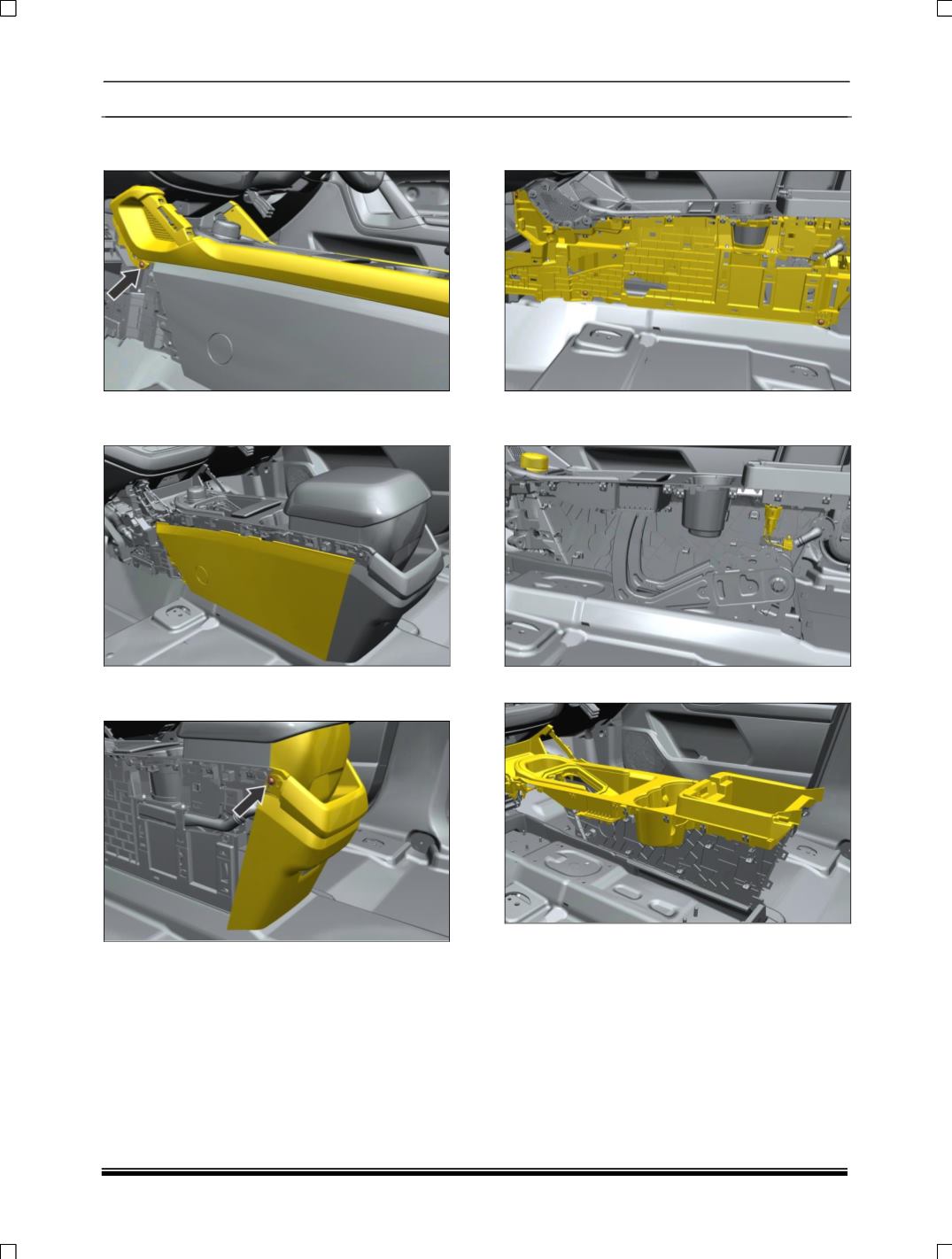
4. Remove the screw both side and Pull out
console RH and LH side panel.
5. Pull out the console cover side panel LH and
RH side.
6. Remove the screw and pull out the console
rear storage assy
7. Remove the console structure assy mounting
screw both side.
8. Disconnect one electrical connections behind
the floor console assembly.
9. Pull out the upper console panel and take out.