



 1546 / 1588

ELECTRICALS
93
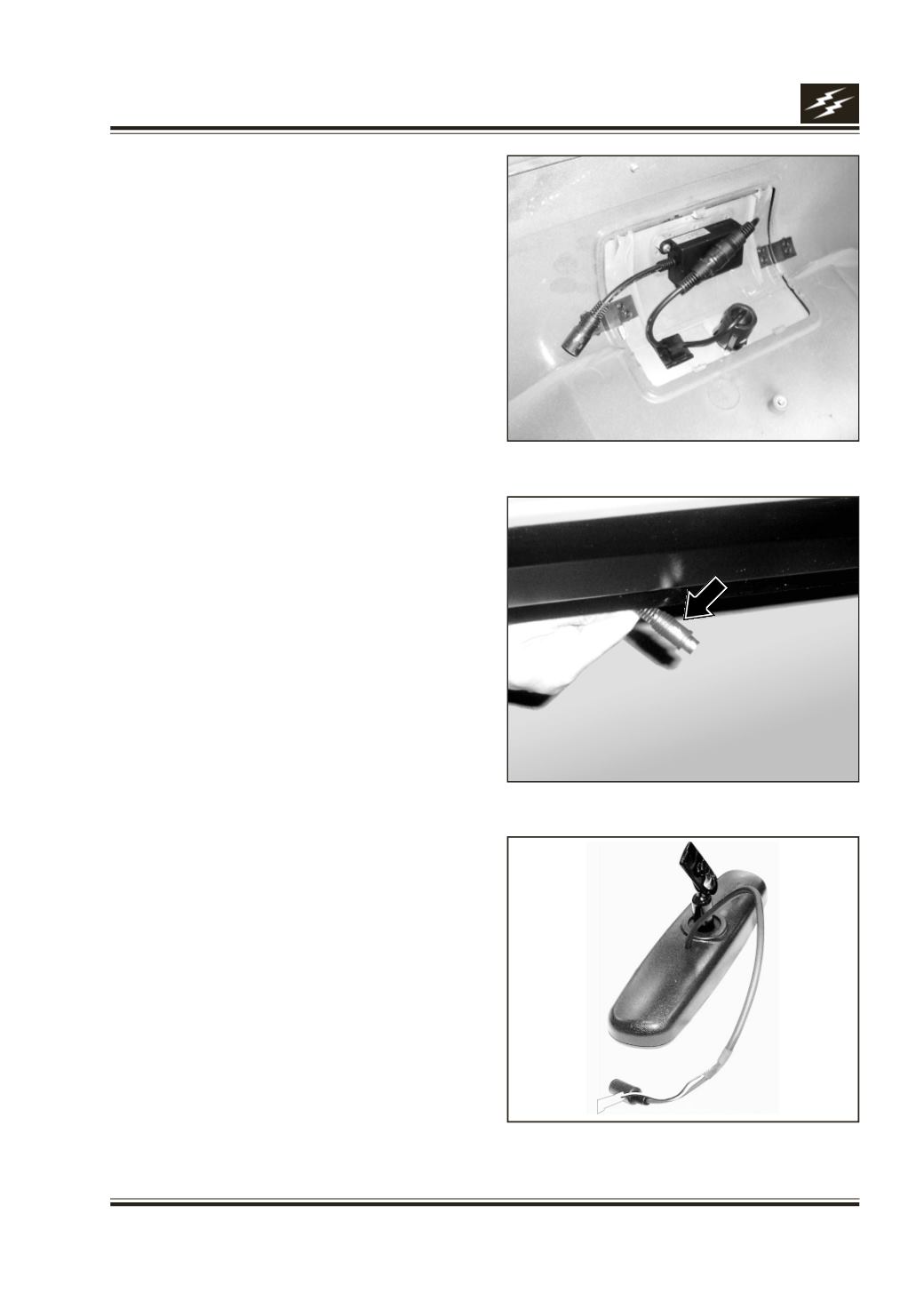
7. The Assembly should look like the photo below.
(Fig.9)
8. Connect the 4- pin mini DIN of module box to CCD
camera side wiring 4- pin mini DIN, properly
matching white arrows on both connectors. (Fig.10)
Cover the joint by good insulation tape, to avoid
water entry. This is done just before Bumper is
mounted on the vehicle.
For dismantling or replacement please follow the
reverse steps.
Important: For removing camera, 4 clips on the
camera housing need to pressed & then camera is to
be pushed out from 25 mm dia. hole in Tow Cover.
Take care that Metal Pad Lock is not damaged during
this.
Tow Cover of Tata Safari is sealed from inside using
omega clips / z type brackets, unlike other Safari
Models. This Tow Cover should not to be removed
by a screw driver / or by any other force to avoid
damage to Camera or Module box. For replacing
camera / module box, removal of bumper is
necessary.
CAMERA CAP:
To be used only when vehicle is to be serviced /
washed using high pressure water jet. In normal
operation it should be kept in glove box.
MIRROR CUM MONITOR:
Procedure to install the Mirror cum Monitor on to Stem
Mount (Mirror Button) fixed on the Windshield.
1. To hold the Mirror firmly using Stem of the mirror
in normal viewing position. (Fig.11)
Fig.9
Fig.10
Fig.11