




 71 / 654

ENGINE
20
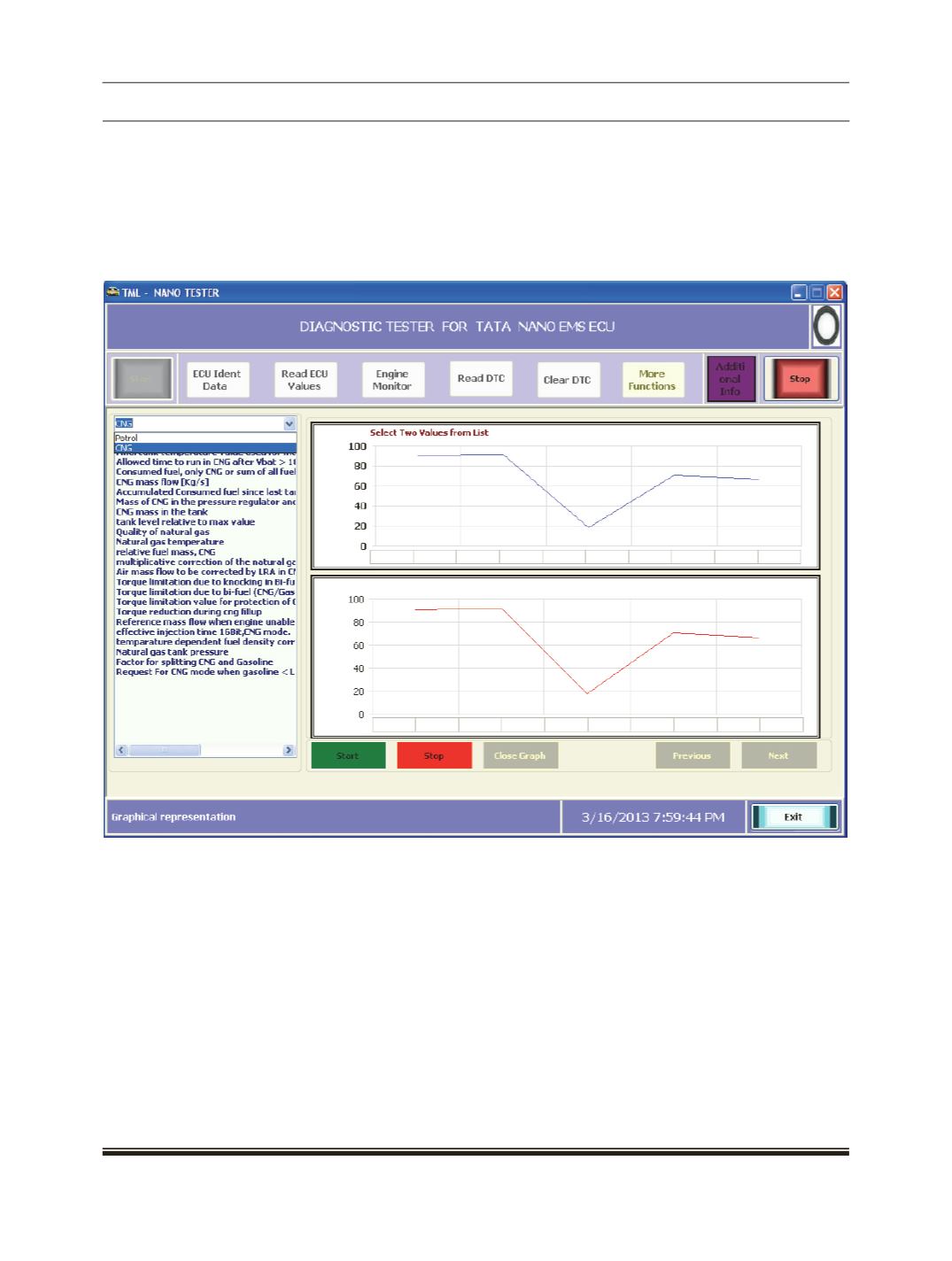
To view the graph click on "Show Graph" button.
Select any parameters from the list to view the actual data in graphical mode.
User Have Two options 1] Petrol 2] CNG On the basis of selection Respective ECU Parameter will be add in
list for user selection.[Shown in below Image]
User can select two parameters at a time. Click the "Start" button to view the graph of real time data. This
data continues till the user’s clicks the "Stop" button.