



 307 / 1006

ENGINE 273 MPFI
301
ENGINE
TESTER TROUBLE SHOOTING:
1) LEDs status on the Silicon Engine
2) COM Port Connection
- Check the OBD cable connection with
Diagnostic Connector of Wiring
Harness.
- Check the OBD cable connection with
Multi Protocol Interface module.
- Check the ‘DSR’ and ‘TR’ leds on
Silicon Engine module. If both are Red
reinitialize the unit.
ECU Communication Error
3) Loose connections in the OBD
connector or we can say Back out
of Pins at OBD connector then
tester will not communicate.
4) If the Installation files are not
properly installed, at the time of
installation then it will not
communicate.
5) If you are using USB port silicon
engine, and in tester you are
selecting RS 232 port, then also
it will not communicate.
6) Faulty Hardware (Silicon Engine).
Corrupt version of software
- Check the COM settings.
- Connect RS232 Cable to Com Port.
- Proper and working hardware.
- Proper Wiring connections.
- Proper selection in the software.
Reinstall the software.
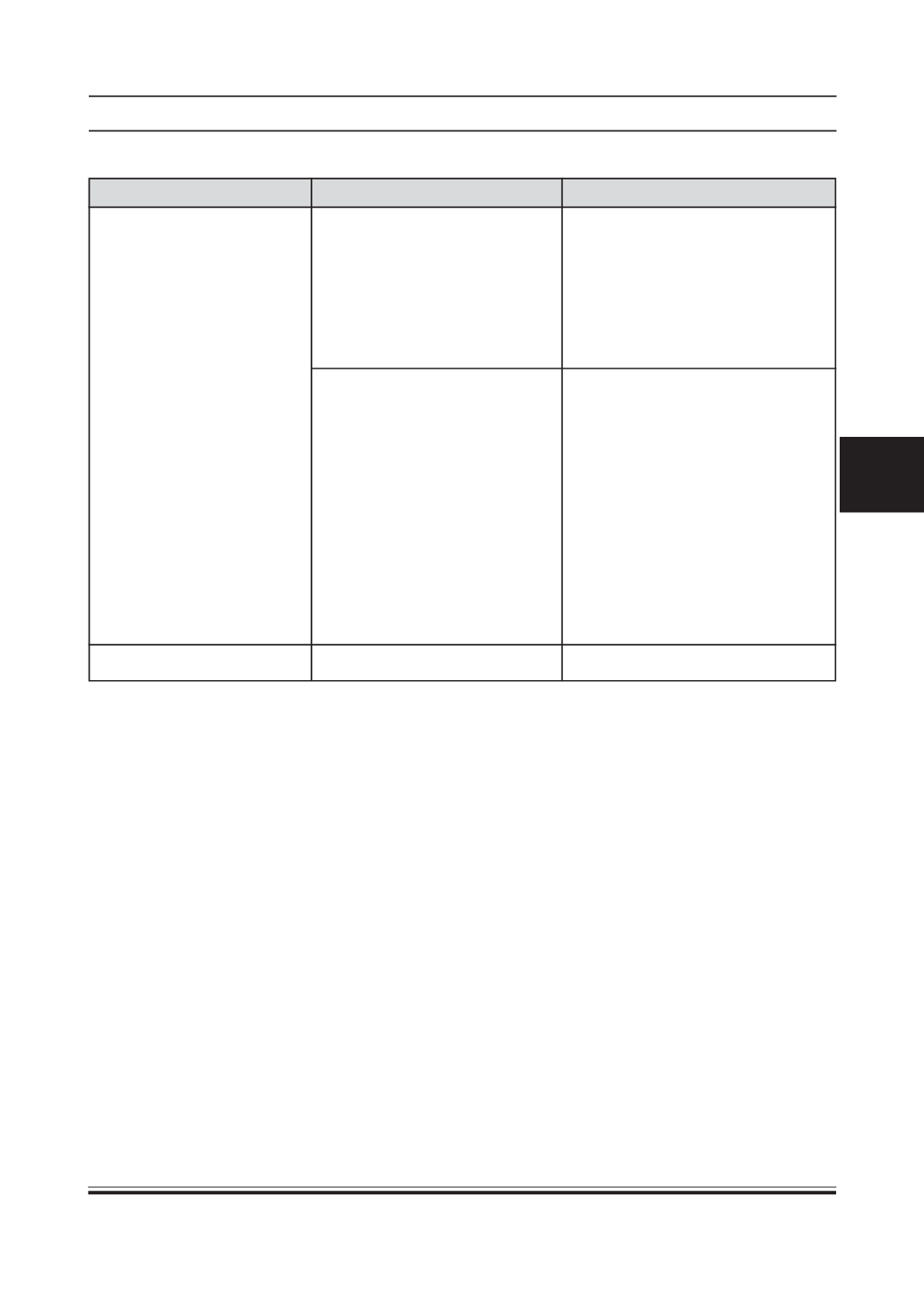
Software not working
Problem
Cause
Remedy