




 1249 / 1904

ENGINE
22
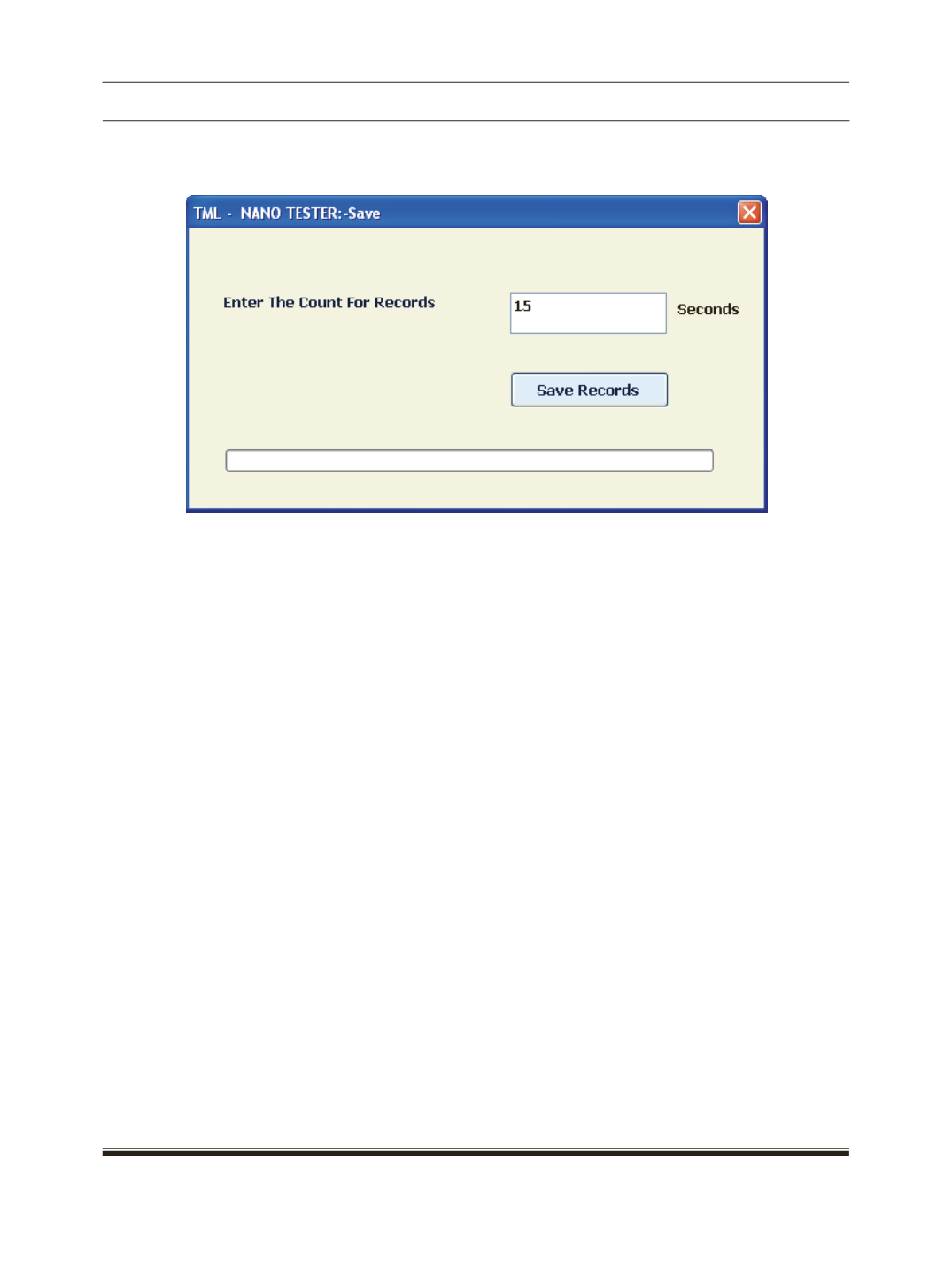
The real time data can be saved in a .CSV format file. to save the data click "Data Save" button. The screen
below will appear.
Click on Save Records after entering the Seconds in number in textbox that you are saving. The file will be
stored in the application path of the software. This is time based saving.
Data Save will be saved data on the basis of fuel type selection which is given on Engine Monitor Image.